
READY TO SELL Jewellery ONLINE?
Get a store built for you in 5 days, plus training and support to help you start, run, and grow your Alternative business.
Learn how to capture stunning images of your jewellery that will attract customers and increase sales. Follow our expert tips and tricks to create high-quality photos that showcase your products in the best light.

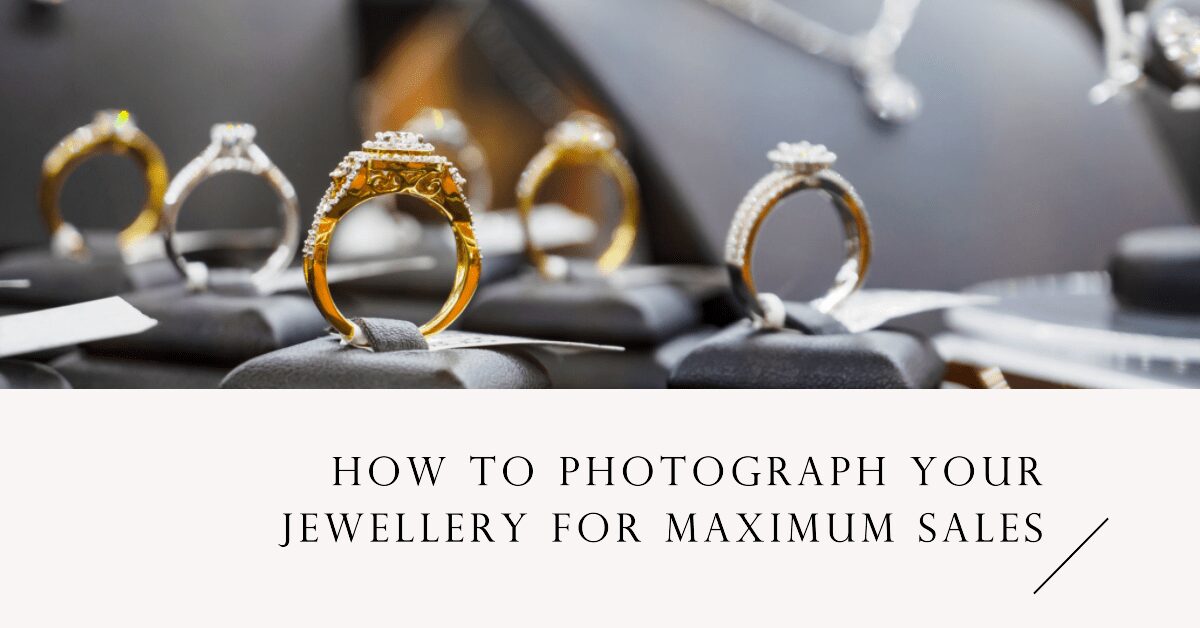
Having great photos can make a big difference in standing out from other sellers and making your customers trust you.
If you are selling jewellery, one of the most important things is having high-quality pictures of your products. These pictures can show how beautiful and unique your jewellery is, helping you attract buyers and sell more.
Today, customers rely a lot on online pictures to make decisions about what to buy. If your photos are not clear or don’t show your jewellery well, customers might not feel confident about buying from you.
Good photos can make your jewellery look special and help people understand its quality. They show off the sparkle, the small details, and what makes your jewellery unique.
Customers can’t touch or try on the jewellery, so your pictures need to show them everything. This means that having really good photos can help make customers more comfortable with buying, without worrying too much.
To take great pictures, you need the right camera and lens. A good DSLR or mirrorless camera can take clear and sharp photos, which is really important for jewellery.
Try to get a camera with at least 18 megapixels. This will help you capture all the tiny details of your jewellery.
A macro lens is also a good idea because it lets you take close-up shots that are very clear. A macro lens will make sure every part of your jewellery is visible, so customers can see all the special details.
If you can’t afford an expensive camera, that’s okay. There are cheaper cameras that can still take good pictures.
You could also rent a camera for a few days if you need to save money. Some mirrorless cameras and entry-level DSLRs work great too. Just make sure you pick a lens that works with your camera.
Where you take your pictures matters a lot. Choose a clean and clutter-free space with good lighting.
Try not to use a background that is too busy or distracting. A plain background, like white or grey, works well because it makes your jewellery stand out.
You could also use fabric or a marble tile for some texture, as long as it doesn’t take the focus away from your jewellery. Setting up a special area just for taking jewellery photos can be helpful.
Having a well-organised space makes it easier and faster to take pictures. You can use jewellery stands, holders, or even a few decorations to add interest. But remember—keep it simple so the jewellery is the main focus.
Lighting is very important for taking good jewellery photos. Natural light or softbox lighting works best to make your jewellery shine and show the details.
Using soft light helps make your jewellery look professional. Don’t use harsh light or direct flash, as this can cause reflections and shadows that make the jewellery look bad.
You can use a ring light, softbox, or diffuser to get nice, even lighting. If you are using natural light, try taking pictures in the morning or late afternoon when the light is soft.
Put your jewellery near a window to get gentle sunlight that will make your pieces sparkle.
Before you start taking photos, make sure your jewellery is clean. Even a tiny smudge or bit of dust can show up in close-up photos.
Use a cloth or jewellery cleaner to make sure there are no fingerprints or dust. Then, place your jewellery in a way that shows off its best features.
You may have to try different angles to find the most flattering view. Using a tripod can help you get steady shots.
A stable camera is important for clear pictures that show all the details of your jewellery. You can also use a remote shutter button to avoid shaking the camera.
Take lots of pictures from different angles so you have options to choose from later.
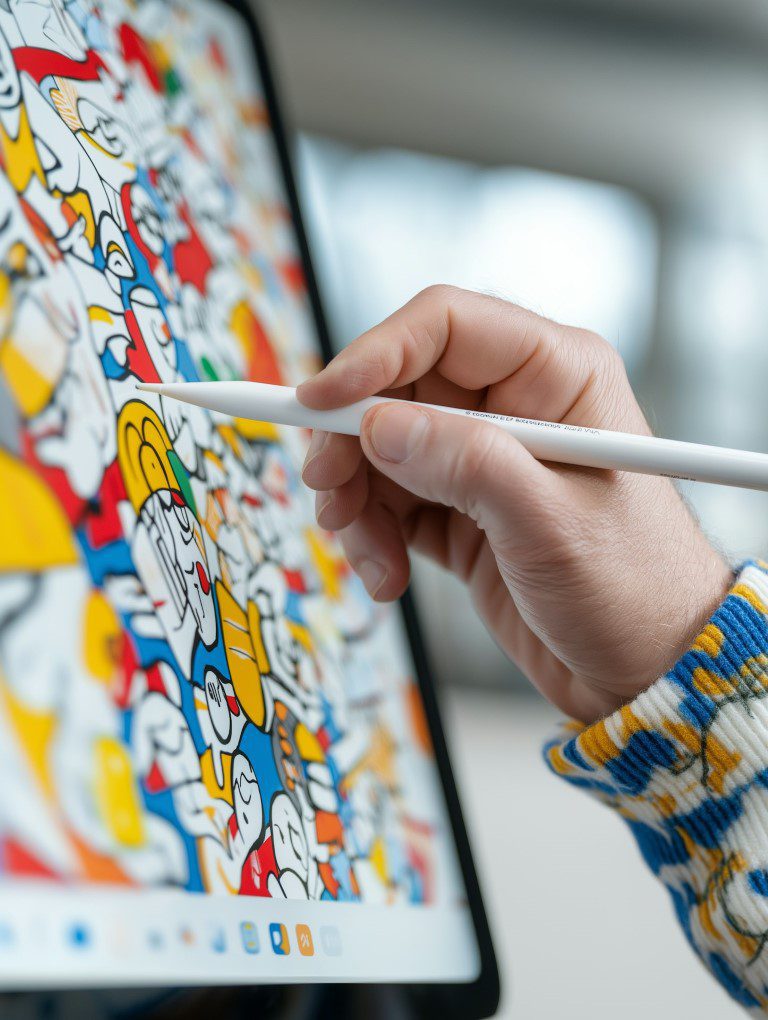
After you take your pictures, you can use editing software to make them look even better. Basic editing tools like Adobe Lightroom or Photoshop can help you adjust the brightness, contrast, and colour.
Be careful not to edit too much. You want the jewellery to look real, not fake. The goal is to make your jewellery look its best while keeping it natural.
You can remove small blemishes or adjust the colours to make sure they match what the jewellery looks like in real life. If you don’t know much about editing, there are lots of online tutorials to help you get started.
You can also use free tools like Canva or GIMP, which are good for simple edits. Even small adjustments, like brightening the image or making it sharper, can make a big difference.
Taking photos from different angles can make your jewellery look more interesting and show off its best features.
For example, a top-down shot can show the details on the surface, while a side shot can show the thickness and shape.
A close-up shot can focus on details like a gemstone or the texture of a chain. Showing your jewellery from different angles helps customers understand what it looks like from every side.
You could also include lifestyle shots. Lifestyle photos show someone wearing the jewellery, which helps customers imagine what it would look like on them.
Using a mix of different types of shots will make your gallery more engaging and give customers a better idea of your product.
It’s important to show the size of your jewellery so customers know what to expect.
You can put a coin or a ruler next to the jewellery in your photos. This helps people understand how big or small the piece is.
It can also be helpful to show the jewellery on a person so that customers can see how it fits. This will make them feel more confident about their purchase.
You can even add text to your pictures with the measurements. Putting labels directly on the image makes it easy for customers to see the size without having to read a long description.
Consistency in your photos helps create a professional look for your store. Use the same background, lighting, and style for all your pictures.
Having a consistent look makes it easier for customers to recognise your brand. When your photos all match, it builds trust and makes your store look organised and professional.
Customers are more likely to buy when they feel like they know what to expect. Creating a style guide for your photos can help keep everything consistent.
Write down the types of backgrounds you use, the lighting setup, and the angles you prefer. This way, you or anyone else who takes pictures for your store will know exactly what to do.
A cohesive product line helps build a strong brand image and encourages sales. Take photos of your jewellery in the same style and make sure they fit a theme.
Use the same background, lighting, and style for all your product photos. This will make your store look neat and organised.
It will also show that your jewellery pieces belong to the same collection, which can encourage customers to buy more than one item. You could also group your jewellery by themes, like seasonal collections or pieces made from similar materials.
Create an overall look that reflects your brand, whether it’s elegant, simple, or luxurious. Having a consistent style makes your store look appealing and easy for customers to browse.
You don’t always need an expensive camera to take good photos. Many modern smartphones have great cameras that can take high-quality jewellery photos.
Use a tripod or stabiliser with your phone to avoid blurry images. This will also help keep your shots consistent.
Many smartphones have a portrait mode that can add depth to your photos, making your jewellery stand out against the background. Make sure to use natural light or a lightbox to brighten up your jewellery.
Good lighting is important for getting clear and sharp photos, even with a phone camera. You can also use editing apps on your phone to adjust brightness, contrast, and colour so your photos look their best.
Having high-quality photos of your jewellery is one of the best ways to increase sales and make a good impression on customers.
Choosing the right camera and lens, setting up the environment, good lighting, taking clean pictures, editing them well, using different angles, showing the size, keeping everything consistent, creating a cohesive look, and even using your phone are all important steps to think about when photographing jewellery.
By following these tips, you can take beautiful pictures that make your jewellery stand out and attract more customers. A great photo can make a big difference in turning a visitor into a buyer, so it’s worth taking the time to do it right.
Whether you are just starting out or already have experience, taking the time to photograph your jewellery well will make your online store look much better. Great photos help sell each piece and also help build a brand that people know and trust.
Lighting is one of the most important factors in jewellery photography. Proper lighting can highlight the sparkle and details of your jewellery, whereas poor lighting can make your jewellery look dull and unappealing.
A plain background is recommended for jewellery photography as it creates a neutral and distraction-free environment that enhances the beauty of your jewellery without drawing attention away from it.
While it’s not necessary to hire a professional photographer, having some knowledge of photography and equipment is important to achieve high-quality images. With the right equipment and techniques, you can capture stunning images of your jewellery yourself.
Experimenting with different angles, utilizing different lighting techniques, and creating a cohesive product line can make your jewellery photography stand out from your competitors.
Ans. Yes, basic editing software such as Adobe Lightroom or Photoshop can be used to adjust brightness, contrast, and saturation. Be cautious not to overdo the editing, as it can make the jewellery look unrealistic.
PREFERRED SOURCE
Like what you’re reading? Add Make Local for Global as a preferred source on Google to see more of our articles when you search.
Build your online presence without having to figure out everything yourself.