

READY TO SELL computer accessories ONLINE?
Get a store built for you in 5 days, plus training and support to help you start, run, and grow your Alternative business.

Learn how to sell computer accessories online: choose a buyer, test device compatibility, price a packed order and plan a small UK launch.

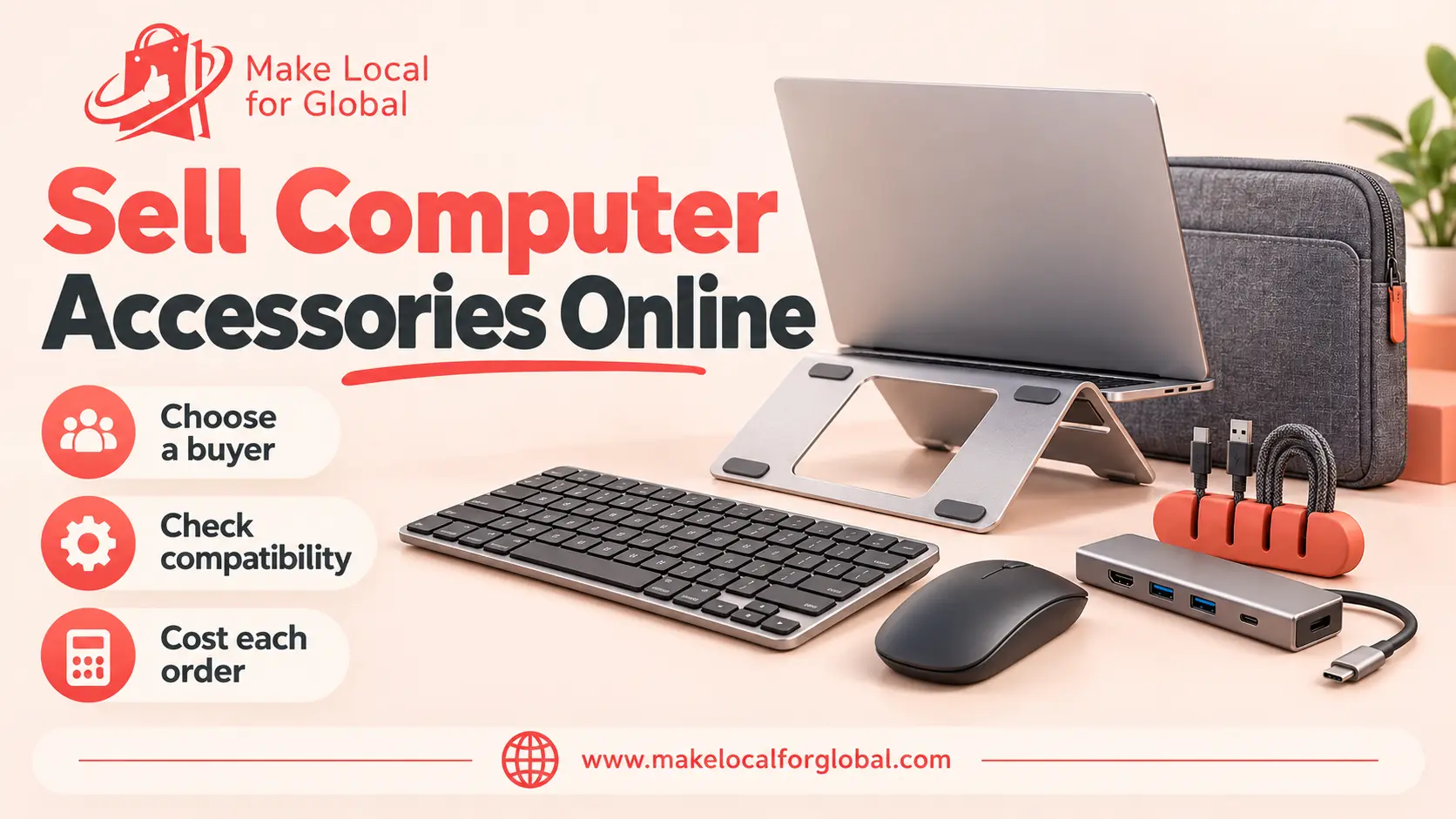
A computer-accessories shop can start with a few useful products for people working or studying on a laptop. The challenge is choosing items that fit the buyer’s devices, checking the claims your supplier makes and pricing delivery, returns and support before you order stock.
To sell computer accessories online, pick a clear customer group, build a small compatible range, test the exact samples and explain what works with which device. Begin with a limited offer such as a laptop stand, sleeve, keyboard, mouse and USB-C hub. Add powered accessories only when you can verify their safety and compliance evidence.
Use buyer evidence and sample checks to decide whether a computer-accessory range deserves a small launch.
“Computer accessories for everyone” is difficult to stock and explain. Pick one customer and the job they need a product to do. A hybrid worker might want a compact desk setup that travels between home and an office. A student may need an affordable sleeve, mouse and cable organiser for a shared workspace. A small business could care more about replacement stock, invoices and consistent specifications.
Talk to five to ten people who match the buyer. Ask which laptop or tablet they use, what ports it has, which accessories they already own and what makes those items inconvenient. Ask to see the device model or let them describe their setup. Record the questions people repeat; those answers can shape your first products and product-page details.
Choose products that make sense together and are easy to compare. A compact laptop-work setup could include a stand, sleeve, keyboard, mouse and a hub. Some are passive items; others contain electronics, batteries or a mains power supply. Their legal checks and return risks can differ, so keep the first range simple while you learn.
| Range role | Possible product | Buyer question to answer | Sample check |
|---|---|---|---|
| Desk setup | Adjustable laptop stand | What device size and weight does the maker specify? | Check stability, adjustment, edges and folded dimensions. |
| Protection | Laptop sleeve | Which measured device dimensions fit inside? | Check internal measurements, padding, seams and zip clearance. |
| Input | Wired keyboard or mouse | Which connector, layout and operating systems are supported? | Test the stated functions and inspect cable strain relief. |
| Connectivity | USB-C hub | Which host ports, displays and data functions are supported? | Test each port with a compatible device and cable. |
| Organisation | Cable clips or organiser | What cable sizes and desk surfaces suit the product? | Check grip, adhesive instructions and residue on a test surface. |

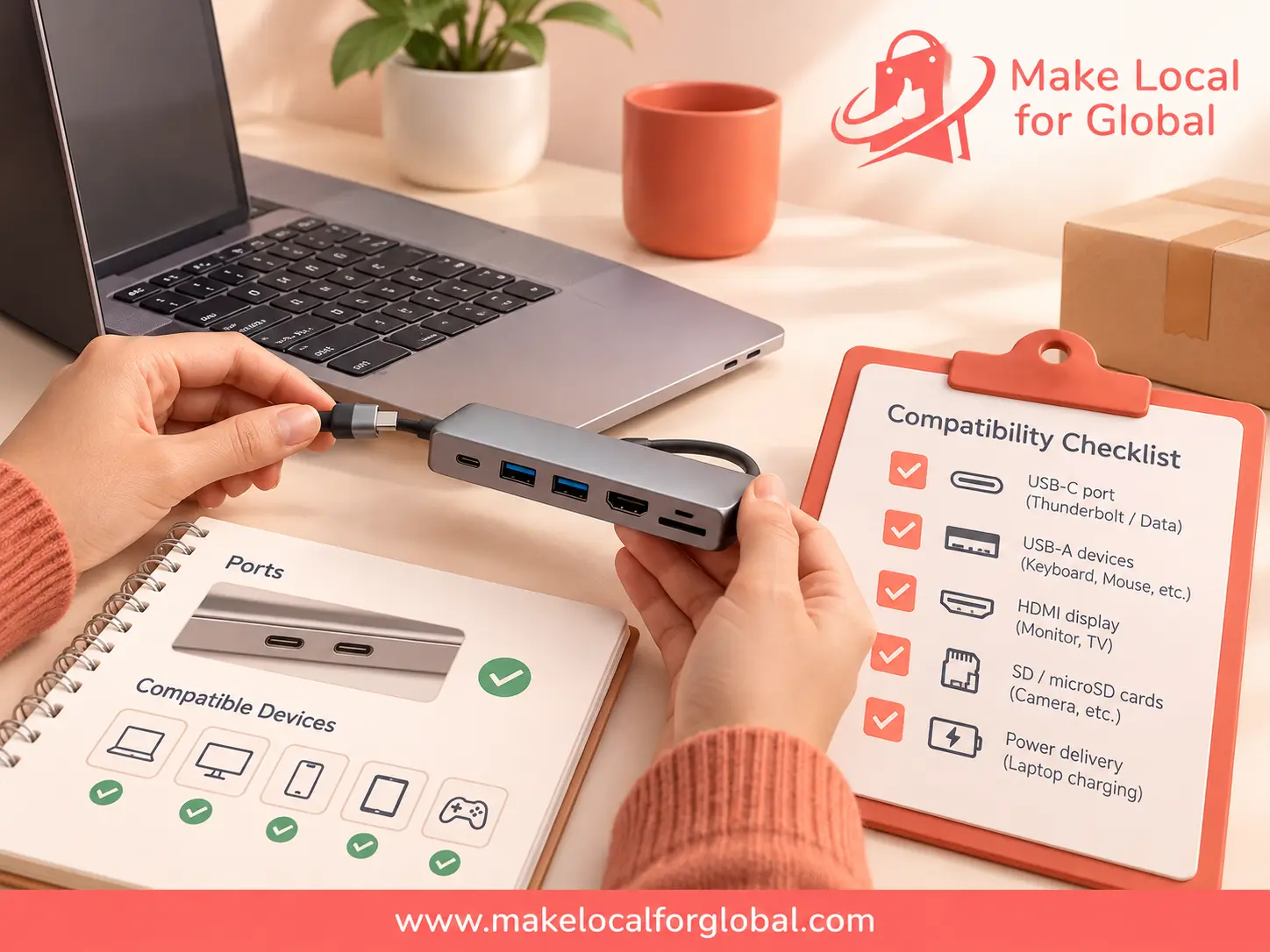
Compatibility is specific to the exact model. A USB-C connector does not guarantee that every laptop supports charging, video output or the same data speed through a hub. Match each statement to the manufacturer’s documentation and tested device list. Do not promise universal compatibility unless the evidence supports it.
For another device-led product example, see our article on selling Bluetooth headphones online. Computer accessories may have different connection, software, battery and safety needs, so research each product on its own terms.
Compare UK wholesalers, specialist distributors, makers and importers. Ask for the exact model number, manufacturer details, minimum order, sample cost, lead time, warranty process, spare-part availability and defect procedure. Find out whether the product is wired, rechargeable, battery-powered or supplied with a mains adaptor. Those details affect your checks, fulfilment and obligations.
Test the sample with the device types named in the product specification. Connect and disconnect a hub using the maker’s instructions, check each port with a suitable cable and confirm that any listed display or charging feature works on a compatible host. Test keyboards and mice for the functions the listing promises. Inspect casings, seams, plugs, cables and strain relief for damage, loose parts or sharp edges.
Do not open mains-powered products or improvise electrical stress tests. Follow the maker’s instructions and use a suitably qualified person for technical testing beyond basic inspection. Stop using a sample that overheats, smells unusual, sparks, has damaged insulation or behaves erratically; keep it away from customers and contact the supplier.
In Great Britain, electrical equipment within the relevant voltage scope is covered by the Electrical Equipment (Safety) Regulations 2016. Northern Ireland has provisions that differ under the same Regulations; an NI business placing a product from Great Britain on the NI market may be treated as an importer. Check the Northern Ireland guidance for your role and route to market.
Electromagnetic compatibility and restricted-substance rules can also apply to electronic accessories. The scope depends on the product and your role in the supply chain; start with the current GB EMC guidance and RoHS guidance. Passive items such as a sleeve or desk organiser do not automatically need the same evidence as powered equipment. Ask a competent adviser or regulator when the classification is unclear.
Include stock, inbound freight, fees, packaging, delivery and a realistic allowance for returns before you choose a price.
If you sell electrical or electronic equipment to UK customers, check whether retailer take-back or a compliance scheme applies to your business. The rules can cover online sales. GOV.UK explains the retailer’s WEEE responsibilities and the Distributor Take Back Scheme. Keep the required recycling information visible to customers where the guidance says it is needed.
Importing or first placing batteries on the UK market may create producer obligations, including registration and records. Battery suppliers may also have take-back duties once their supply reaches the applicable threshold. Read the current battery producer guidance and battery retailer guidance before selling rechargeable keyboards, mice or other battery-powered items. Obligations depend on what you supply and your role; check the rules that apply to your business.
Use supplier and carrier quotes to build your own numbers. This illustration shows a USB-C hub sold for £39.99 with standard delivery included. Each cost is an example, not a market average or supplier quote.
| Example order item | Amount |
|---|---|
| Customer payment | £39.99 |
| Hub purchase cost | −£11.00 |
| Inbound freight share | −£1.50 |
| Protective packaging | −£1.20 |
| Seller-paid delivery | −£3.95 |
| Payment fee allowance | −£0.80 |
| Customer acquisition allowance | −£4.00 |
| Returns or replacement allowance | −£1.50 |
| Total variable order cost | £23.95 |
| Contribution before fixed costs and tax | £16.04 |
Illustration only. It assumes the seller is not VAT registered and excludes fixed overheads, owner pay and tax. Replace every figure with current quotes and your own payment terms. Contribution is not net profit.
Model another version with an advertised discount, a failed delivery and a return. A low-cost cable may have a small order value but still incur packing and customer-service time. A hub may need more compatibility support or replacement allowance. Use these product-pricing steps to check the assumptions and compare with an ecommerce startup budget.
Give shoppers the facts they need to check fit. Use the exact model name and manufacturer specification rather than relying on a broad label such as “USB-C compatible”. Put the most important compatibility details near the top of the page and make included accessories clear.
Use search terms naturally when they describe what you sell: “USB-C hub for a laptop”, “compact wireless keyboard”, “laptop stand for a small desk” or “padded 14-inch laptop sleeve”. Do not copy a competitor’s compatibility list or make unsupported claims such as “works with every laptop”. A clear list of tested models can help a shopper more than repeated keyword phrases.
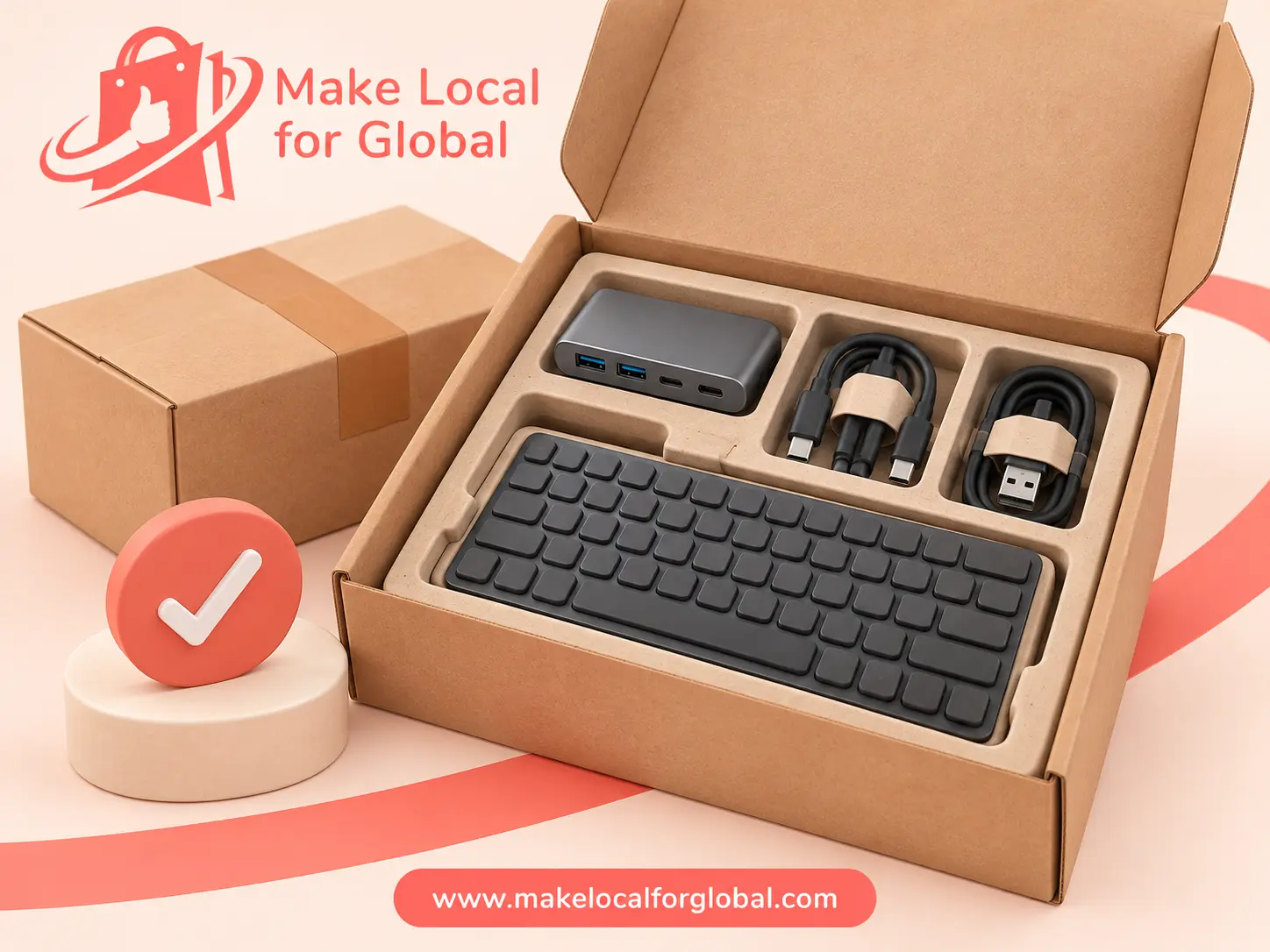
Measure and weigh the packed product before setting a shipping charge. Protect connectors and screens from pressure, keep cables from bending sharply and make sure small parts cannot move around the carton. Send yourself a sample parcel and inspect it on arrival. Record the packing method and check whether the packaging adds enough cost to change your price.
For UK customers, online sellers need to give the required information before an order is placed, including the goods, total price, delivery and cancellation terms. Many online purchases can be cancelled within 14 days after delivery, subject to exceptions. Check the current GOV.UK online and distance selling guidance and make the store’s returns process easy to find.
Businesses that make, import, distribute or sell consumer products have safety responsibilities. Great Britain and Northern Ireland can apply different requirements to some products and roles. Start with the government’s product safety advice for businesses, keep supplier and batch records and act on safety complaints. Get product-specific advice before listing an unfamiliar powered device.
A marketplace can provide a route to shoppers but its fees, listing rules and competition affect the order economics. Your own shop gives you more control over product details and customer support; you need a plan to attract visitors. Start with the channel you can manage and track views, compatibility questions, orders, return reasons and delivery costs.
For a small test, list one version of each product and keep a note of which devices you have tried. Ask early buyers whether the description helped them choose. When a customer asks a repeated question, improve the compatibility table or image. If you plan to add wireless products, see how our guide to Bluetooth headphones approaches testing and product details, then apply the checks that fit your own item.

Set a sample budget, test the product page and decide what evidence you need before expanding the range.
Choose a few items that solve one buyer’s problem and are straightforward to describe. A laptop stand, sleeve, keyboard, mouse or cable organiser can be easier to test than a broad range of powered electronics. Let buyer conversations and sample checks guide the choice.
Use the exact model specification and test the functions you plan to claim with suitable devices. Record the host model, port, cable and result. A matching connector does not prove that every device supports the same charging, display or data functions.
It depends on the product, its power source, the market and whether you manufacture, import or distribute it. Ask for evidence for the exact model, then check the applicable UK guidance for electrical safety, EMC, RoHS, WEEE and batteries. Passive accessories may have different requirements from powered equipment.
You can test a small online range from home if you can store and pack it safely, meet the rules that apply to your products and provide clear delivery and returns information. Check insurance, workspace and local requirements before building stock.
A dependable computer-accessories shop begins with a clear customer, product evidence and honest compatibility details. Test a few samples, cost complete orders and use buyer questions to improve each listing. If you need help setting up your online shop, explore MLFG website design or contact the team.
PREFERRED SOURCE
Like what you’re reading? Add Make Local for Global as a preferred source on Google to see more of our articles when you search.

Build your online presence without having to figure out everything yourself.