

Use a seven-point product page audit to check information, images, options, price, mobile usability and consistency across your ecommerce range.

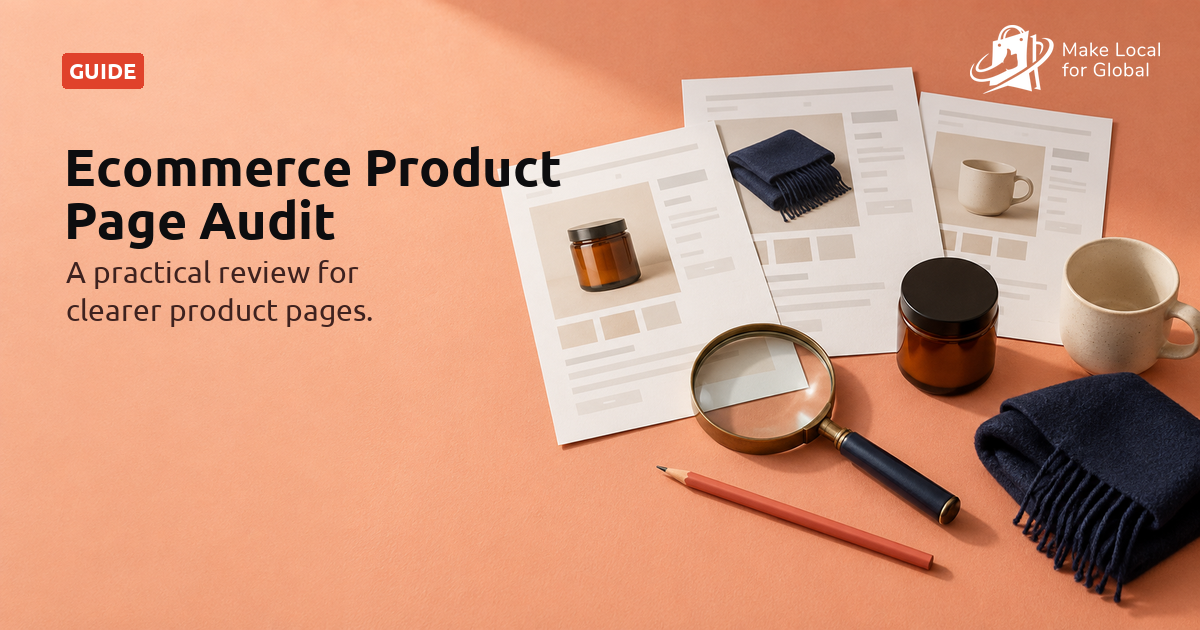
A useful ecommerce product page audit is not a search for one perfect template. It is a repeatable check that shoppers can understand what each item is, compare meaningful differences, see the price and delivery context, and use the page on a phone. You can start with three products and improve the clearest repeated gap.
This guide shows you how to choose a small sample, check seven areas and record evidence without turning a quick review into a catalogue-wide rewrite. The free Product Page Assessment can help organise the first pass.
Answer seven short questions about a representative range, then use the result to choose one practical page pattern to check.
The assessment is a self-review, not a website crawl, search ranking report or promise of higher sales. Treat its answers as a way to decide what to inspect, not as a score of your business.
Pick one best seller, one item with options and one product that often prompts questions. This small sample helps you find differences between products and repeated template problems. If your range spans very different categories, take one sample from each category rather than assuming one layout suits all.
For each page, note its URL, the date you checked it, the current source record and one customer question it should answer. Use real product records, fulfilment details and support questions. If you cannot verify a claim or detail, mark it as unknown instead of filling the gap with a guess.
Read the first few lines as someone who has never seen the item. Can they tell what it is, who might use it and what arrives in the order? Make the key benefit specific to the product, but avoid claims that cannot be supported. Explain whether an accessory, refill, case, fitting or component is included when the difference matters.
Do not copy a supplier paragraph across many pages without checking it. Add the product detail that helps a shopper compare your offer, and use the manufacturer’s wording only where it remains accurate and useful. If a bundle contains several items, list the contents rather than relying on a photograph alone.
Decide which facts change the buying decision for each product type. A garment might need measurements and material details; a lamp might need dimensions, fitting type and power information; a food item may need ingredients and storage information. These examples are prompts, not a universal list. Use current product records and make units consistent.
Check a sample page against the item or supplier specification. Pay attention to stale measurements, unexplained abbreviations and claims that refer to a different version. Where technical or regulated product information is involved, use the right specialist review rather than treating this checklist as certification.
Check whether the gallery shows useful angles, details, scale or the difference between variants. A polished main image may still leave a buyer unsure about finish, size, fit or contents. Keep the actual product prominent, use consistent crops where comparison helps, and test gallery controls on a phone.
Give informative images concise alternative text that describes the meaningful detail. Decorative images can use empty alt text. Avoid repeating the entire product description in every image alt, and check the rendered page rather than assuming the media library text is exposed correctly. The W3C images tutorial explains how to choose appropriate image alternatives.
Try every important option on a product with variants. Labels such as “standard”, “large” or a supplier code may not explain what changes. Check whether price, image, stock message and order summary follow the selected choice. If a pack count or unit changes, show that difference before the buyer commits.
Keep unavailable combinations clear and make sure a selection cannot silently reset when someone changes another option. If an option has a meaningful limitation, place that explanation beside the choice rather than burying it below a long description.
Make the price unit understandable. For example, say whether a figure is for one item, a set of three or a refill pack. Use £ for UK-facing prices, and compare the product page with the basket and final order summary. If a discount needs a code or applies only under certain conditions, explain those conditions beside the offer.
The CMA’s current price transparency summary says prices should be clear, complete and accurate. It explains that unavoidable charges normally belong in the total shown up front, while variable charges require enough information for customers to work out the amount. Requirements depend on the details of the sale, so read the full guidance and obtain professional advice if you need a legal interpretation.
Check that delivery wording matches the current fulfilment route. If dispatch time depends on stock or a supplier, avoid presenting an estimate as a guaranteed arrival date. Tell the shopper where to find the likely timing and any relevant delivery cost before they reach the last step.
Trace statements about performance, origin, ingredients, sustainability, compatibility and customer ratings to an up-to-date source. A review count or rating should reflect the feedback you actually have. If a claim has changed or cannot be supported, revise it or remove it rather than relying on a badge to create confidence.
The CMA published updated guidance on consumer reviews in April 2025. Its short guide for businesses explains the importance of taking steps to prevent fake or misleading reviews and of handling incentives transparently. Use the current official guidance for your situation. A page audit cannot decide whether a particular review process meets the law.
Open a simple product page and an option-heavy page on a phone. Check that text is readable, controls have visible labels, options are easy to tap, images do not obscure the page and the add-to-basket action is clear. W3C’s guidance on labelling form controls is a useful reference for accessible inputs and selections.
Compare information across product pages, search results, category listings and the basket. A price, option name or delivery promise that changes between views can be confusing. Also check that your product title describes the item in plain language and is distinct from similar items. Do not add repetitive keywords or empty copy to make pages appear different.
For technical search presentation, Google distinguishes product pages and merchant listings from broad category pages. Its Product structured data guidance says eligibility depends on page type and supported requirements. Treat structured data as a separate technical check, keep it consistent with visible product information and never assume that adding markup guarantees a richer result.
Keep the review repeatable. Record what you checked, where the supporting detail lives, what a shopper might still need to ask and who will review any change. A product catalogue spreadsheet can be useful, but do not collect personal customer details that are not needed for the review.
| Audit area | Evidence to inspect | Useful next action |
|---|---|---|
| Purpose and contents | Opening description, bundle list and common questions | Clarify what is included on one confusing page |
| Specifications | Live page compared with product or supplier records | Set a minimum set of useful details for the category |
| Images | Gallery, variant differences, alt text and mobile controls | Add or reorder one image that answers a recurring question |
| Options | Selection labels, changed price, availability and basket summary | Rewrite one unclear option label in plain language |
| Price and delivery | Price unit, mandatory charges, delivery estimate and order total | Compare the page with a typical basket and current setup |
| Claims and feedback | Claim source, review process and date last checked | Trace one important claim or rating to its source |
Do not rewrite every product page because one sample has a gap. First ask whether the issue is unique, category-specific or shared by a template. A missing measurement may affect one item; a hard-to-find delivery message may affect dozens. Fixing a shared pattern can make the next product easier to maintain.
Then choose a change small enough to verify. Update one page or one product group, compare the result on desktop and mobile, and check that the visible price, selected option and basket details still agree. Ask someone unfamiliar with the item to try the page and describe what they would receive. Their questions are evidence for the next review, not proof that one design will work for everyone.
Use the assessment to organise seven page patterns, then check your lowest-evidence area against a real product and its current source information.
Start with three pages that represent different buying decisions: a best seller, an item with options and an item that generates questions. If those items belong to very different product types, add one sample per type. The aim is to find a useful pattern, not to claim that a small sample represents every page.
It depends on the product and the buyer’s decision. Typically, shoppers need a clear description, useful specifications, images, understandable options, price context, delivery information and a usable next step. Use customer questions and the product’s current source record to decide which details matter most.
No. Clear, accurate pages can help people understand products, and structured information can help search engines interpret eligible pages. Neither this assessment nor a page change guarantees rankings, rich results, conversion or revenue. Measure your own changes and keep claims proportionate to what you can verify.
No. It is an educational product-page self-review. It does not inspect code, test assistive technology or determine whether a product page meets legal requirements. Use current official guidance and qualified advice for legal or technical questions.
Choose a small sample, compare each page with current product information and record one question a shopper might still have. Prioritise a pattern that affects more than one item, make one focused change and check the page again on a phone and in the basket.
The free Product Page Assessment helps structure seven checks and save a downloadable result. If you are also planning what to sell across a wider catalogue, see the Multi Product Range Planner. MLFG’s store, hosting, domain, business email, AI tools and training are available in the £99/year plan; review the offer before deciding if it suits your needs.
Check how shoppers compare items, find important details and move through the buying route, then select one pattern to improve.
PREFERRED SOURCE
Like what you’re reading? Add Make Local for Global as a preferred source on Google to see more of our articles when you search.













Build your online presence without having to figure out everything yourself.