

Plan a Boxing Day ecommerce sale without discounting every product. Compare offers, check an illustrative cost example and refresh your store after Christmas.


A Boxing Day sale can clear selected stock, give returning customers a reason to visit and carry seasonal shopping into the week after Christmas. It works best when the offer has a purpose, the products suit it and the page explains the terms without making customers guess.
This guide shares practical Boxing Day sale ideas for small ecommerce shops, with sample offers, simple margin checks and store updates to prepare before the campaign goes live.
Plan your products, offer and customer journey before the Boxing Day rush begins.
Choose one main objective before you pick a discount. A shop with seasonal gift stock left may want to move a specific group of products. A business with reliable bestsellers might aim to bring previous customers back. A new shop could use the event to introduce a useful collection and learn which products draw interest.
Write the goal in a measurable way. For example: “Sell 12 remaining winter gift boxes by 31 December. Keep at least £8 contribution per order.” That is more useful than “get more sales” since it connects the promotion to stock and costs.
Start with products that make sense for the audience and the date. A useful product with complete photos and clear delivery details is a stronger candidate than a slow seller that the business has not checked in months. Look at stock levels, size or colour options, supplier lead times and customer questions before placing it in a sale collection.
A small bookshop has 18 boxed journal sets and 70 everyday notebooks. The owner wants a Boxing Day promotion but does not need to discount the entire shop. Feature the boxed sets as seasonal gifts. Keep the notebooks at their usual price. If the owner chooses a bundle with pens, the page should list exactly which pen colours are available and what happens when one option runs out.

Use urgency only when it reflects a real limit. “Only 12 available” should match the stock record at the time it is displayed. If an offer ends on 2 January, remove or change the banner and scheduled posts when it ends. A permanent countdown timer or a repeated “last chance” claim can damage trust.
For a small team, choose a manageable group: perhaps one hero product, one related bundle and a collection page. Check those pages carefully rather than making rushed changes across dozens of products. The customer should understand why the products belong together.
Not every item needs a Boxing Day price. Consider products that suit the season, have dependable stock and can be delivered within the stated window. You could feature selected winter accessories, a gift set that remains useful after Christmas, products customers buy for themselves or stock you have chosen to clear.
A small homeware store might select 15 cushion covers in seasonal colours for a short 20% reduction. New arrivals stay at full price. A skincare shop could create a three-item winter routine bundle instead of discounting its entire range. A print-on-demand shop should check production times before making a date-sensitive promise.
Check shop records for items customers viewed but did not buy, then review the product page and delivery questions to learn what may have stopped them. If the details are clear and stock is available, a focused offer is one test, not proof the price was the issue. Check previous Christmas bestsellers and current stock. Compare contribution by item to identify products with room for a sale, including every order cost before calling one high-margin.
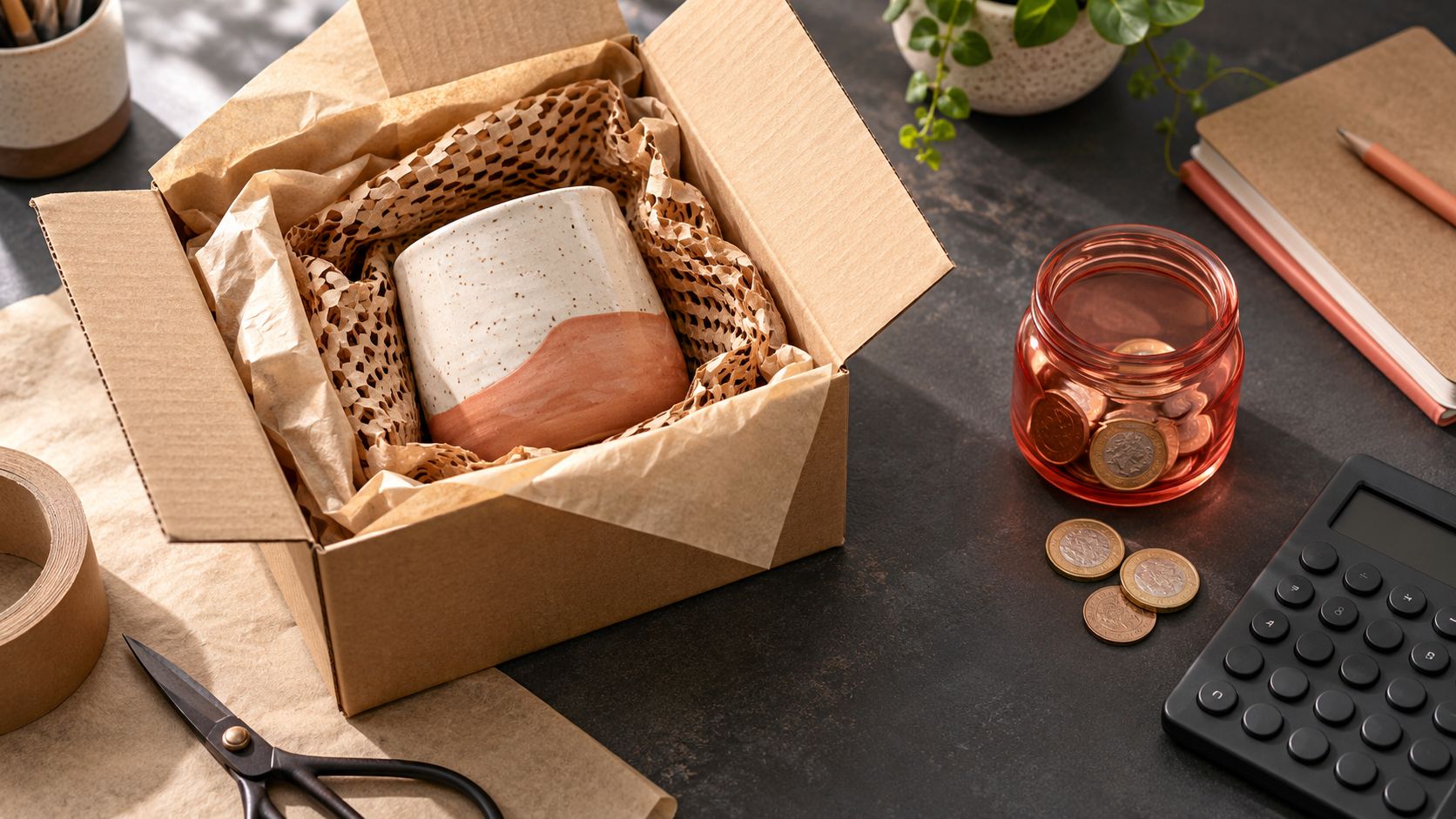
A discount should be judged against what remains, not just the headline percentage. Write down the price paid by the customer, product cost, packaging, payment fees, any delivery contribution and the cost of making or assembling the order. If you are paying for an advert, include the campaign spend when you review the result. Tax treatment and overheads vary, so use your own figures or ask an accountant.
For illustration, a £40 homeware set costs £15 to buy, £2 to pack and £1.20 in payment fees. The shop contributes £3 towards delivery. Before other overheads, £18.80 remains. A 15% discount takes £6 off, leaving £12.80 before overheads. If a customer uses free delivery and the shop contributes another £3, the remaining amount falls to £9.80. These numbers are examples, not a benchmark.

A free-delivery threshold can encourage a larger basket, but test it using typical order values. If most customers spend £38 and the offer starts at £40, they may add an inexpensive item. If delivery costs vary by postcode or parcel size, make sure the threshold does not create an unprofitable order for some destinations.
A bundle needs the same check. Add together the real standalone selling prices and the costs of every included product. Make sure the bundle price is accurate, the items are available and the stated saving uses a genuine comparison. If one item sells out, decide whether to pause the bundle or clearly substitute it before accepting more orders.
Use a percentage reduction on a defined group, such as “15% off selected winter accessories”. Name the products on the sale page and check that the discount appears in the basket. This format can protect your margin on items that do not need a price change.
Choose a real start and finish time, then label the included items as clearance or end-of-season stock. A 26 to 28 December campaign might suit products that no longer fit your January range. Avoid resetting the countdown or leaving expired “last chance” language visible.
Combine items that customers can use together. A stationery seller might pair a notebook with a pen and gift wrap. A coffee seller could offer beans, a scoop and a mug. Show what is in the bundle, its separate-item total and the bundle price so the saving is clear.
Set a minimum order that fits your average basket and shipping costs. If delivery costs your shop £4.20, free delivery above £45 may work better than offering it on every £12 item. Test the rule with typical baskets before publishing the message.
“Buy two selected prints and save 10%” or “Spend £50 and save £5” can reward a larger order. State which products count and whether the offer combines with other codes. Run through a qualifying basket and a non-qualifying basket to catch configuration errors.
Add a low-cost item when a customer spends a set amount. For instance, a candle shop might include a sample wax melt with the first 30 orders over £35. State the qualifying spend, the gift and whether customers need to add it themselves.
A shop could offer £5 off orders over £40, use BOXING10 for 10% off selected products or use BOXING15 for a narrower group if the cost check supports it. State the eligible items, minimum spend, dates and exclusions. Test each code in an eligible and ineligible basket before sharing it.
Start with the money left after product and fulfilment costs. A £30 product costs £12 from the supplier, £4 for delivery and £1 in payment fees. At full price, £13 remains before overhead and tax. A 20% discount takes £6 off the selling price, leaving about £7 before overhead and tax. The order still contributes something, yet the reduced amount needs to fit your business plan.
Those numbers are an example, not a margin recommendation. Include packaging, marketplace fees, paid advertising and any other cost that changes with an order. If the offer leaves too little, reduce the percentage, limit it to a product group, set a sensible basket threshold or create a bundle with a stronger value.
Check the sale price, code, selected products and delivery terms on the page and in the basket.
Create a focused collection page or update an existing sale page. Use a direct headline such as “Boxing Day offers on selected winter homeware”. Show original and sale prices clearly, mark which items are included and explain delivery timing. Remove Christmas arrival claims if the fulfilment date has passed.
Check the mobile view, announcement bar, navigation, coupon code and basket. A customer who clicks a post about “BOXING10” should not find a different code or a blank sale page. Keep the same dates and terms in your email, product page and social captions.
Christmas and Boxing Day messages can overlap in the same store. List every place where the old campaign appears: homepage hero, announcement bar, product badges, coupon banner, email draft, paid advert and social schedule. Decide which details should carry over and which must change on the first day of the sale.
A practical example: on 26 December, a gift shop replaces “Order by 15 December for Christmas delivery” with “Boxing Day offer on selected winter gifts. Check each product for current stock and delivery timing.” It turns off the expired Christmas code, tests the new code on a mobile basket, and checks that paid ads go to the sale collection rather than a Christmas gift page.
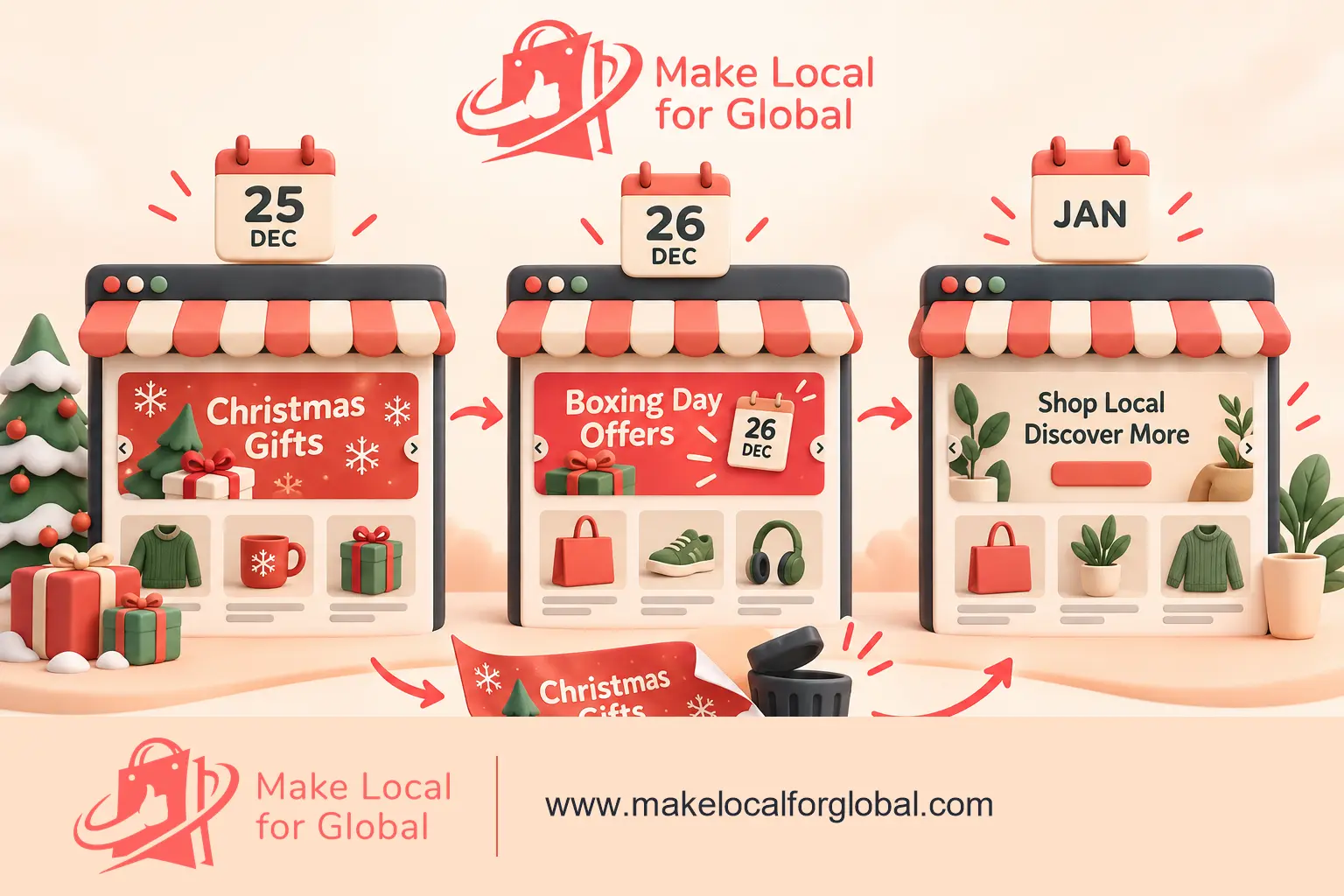
Set an end date in the calendar for the promotion and give one person responsibility for removing the offer. If the shop extends it, change the date and the customer-facing terms everywhere. Do not let an old price or coupon remain visible on one product after the main banner has been removed.
A small team can run a simple three-day promotion with one collection, one email and a few social updates. Prepare the graphics and links before launch. Assign time to answer questions and check orders. If you are away for the holiday, state when customer support will respond.
After the sale, turn off the coupon, remove expired banners, update scheduled posts and review results. Record units sold, revenue, delivery costs, returns and remaining stock. A quick note on what customers asked can improve the next seasonal campaign.
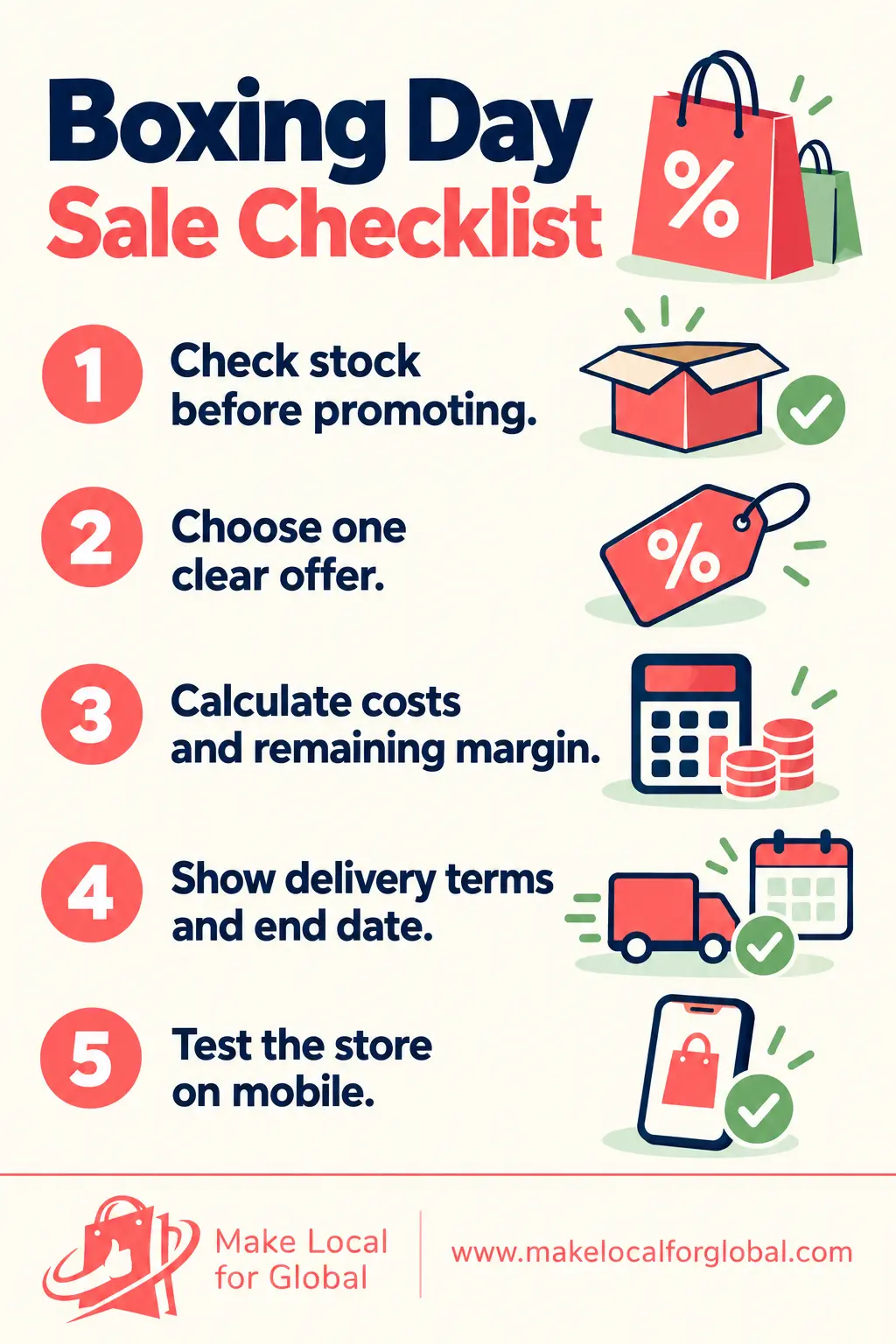
Choose dates that match your stock plan and customer support availability. A short 26 to 28 December offer is easy to explain. A longer sale can give shoppers more time. Use a genuine end date and remove the message when the promotion finishes.
Not necessarily. A selected-product offer lets you focus on suitable stock and protect margin on other items. Make the included products easy to identify, and state when exclusions apply.
Promote only quantities you can fulfil and keep availability current. You can feature a digital product, a made-to-order item with a realistic timeframe or a New Year offer instead of suggesting that limited stock is plentiful.
For more seasonal planning, read our guides to Christmas promotion ideas and New Year promotions for ecommerce shops. Review your delivery messages with this article on Christmas delivery deadlines.
Choose the products, set the offer, test the numbers and check every customer-facing date before launch.
PREFERRED SOURCE
Like what you’re reading? Add Make Local for Global as a preferred source on Google to see more of our articles when you search.
















Build your online presence without having to figure out everything yourself.