

Use a practical print on demand store audit to check product pages, samples, delivery, trust and mobile buying before your next promotion.


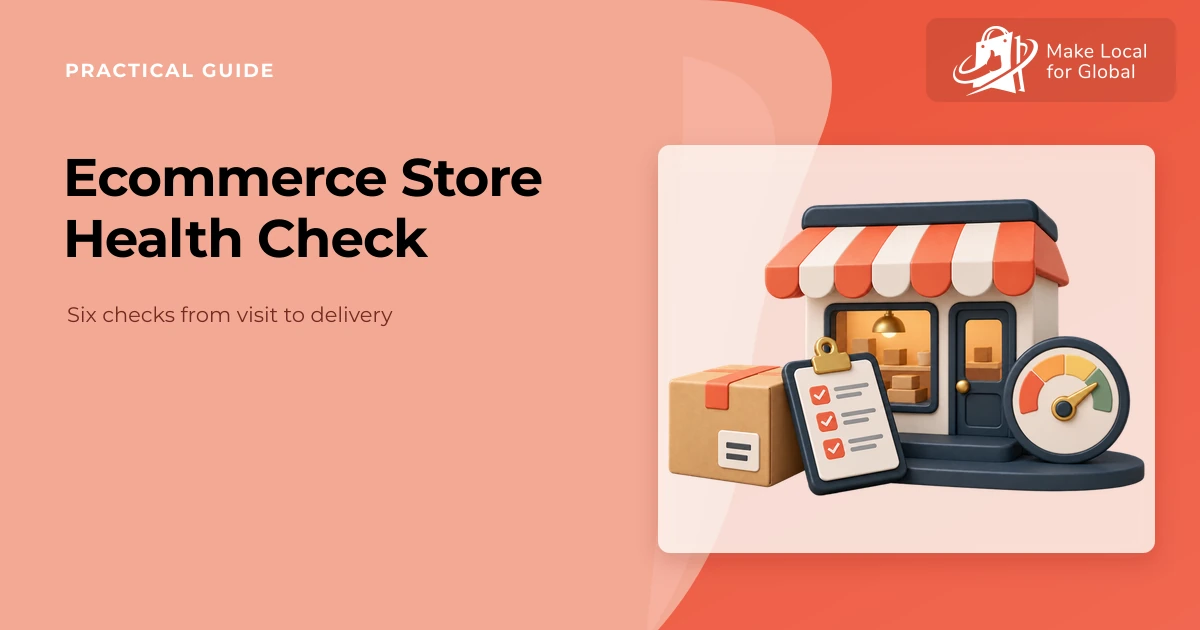
A print-on-demand shop can look finished while leaving basic buyer questions unanswered. Is the item shown accurately? When does production end and delivery begin? Can someone find returns information or get help from a phone? A focused print on demand store audit helps you spot friction before you put more effort into promotion. The free POD Store Health Assessment turns six practical checks into a prioritised improvement plan.
This is a self-review tool, not an automated website scan. It does not inspect a live store, test a payment, verify a supplier or predict sales. Use it alongside a real sample, current supplier information and a test customer journey.
Review six areas from product clarity to support routines. Your answers stay in your browser, and you can download a focused plan to guide your next check.
A store audit is a structured review of the experience a buyer gets, from the first product page visit through fulfilment and support. For a POD business, it should connect what the page promises with what the supplier can provide and what the shop can handle when an order needs attention.
Keep the scope manageable. Review one important product, one target buyer and one route to checkout. Note what you observed, where you checked it and what remains unknown. A practical check is more useful than a long list of changes based on guesswork.
Ask someone who has not worked on the product to scan the first screen. Can they identify what is being sold, who it is for, which options are available and what action to take? Product titles, photographs, variant labels, price and essential specifications should support the same understanding.
Put decision-making details near the choice they affect. A buyer comparing garment sizes should not have to hunt through a general FAQ to discover the sizing basis. A print location, material description or care detail should be specific to the item where possible. Shopify’s current product page guidance similarly recommends making product information and purchase actions clear; use your own customer questions to decide which details need priority.

Record which product facts are confirmed, which need supplier evidence and what a first-time visitor should understand. A concise brief makes revisions easier to review.
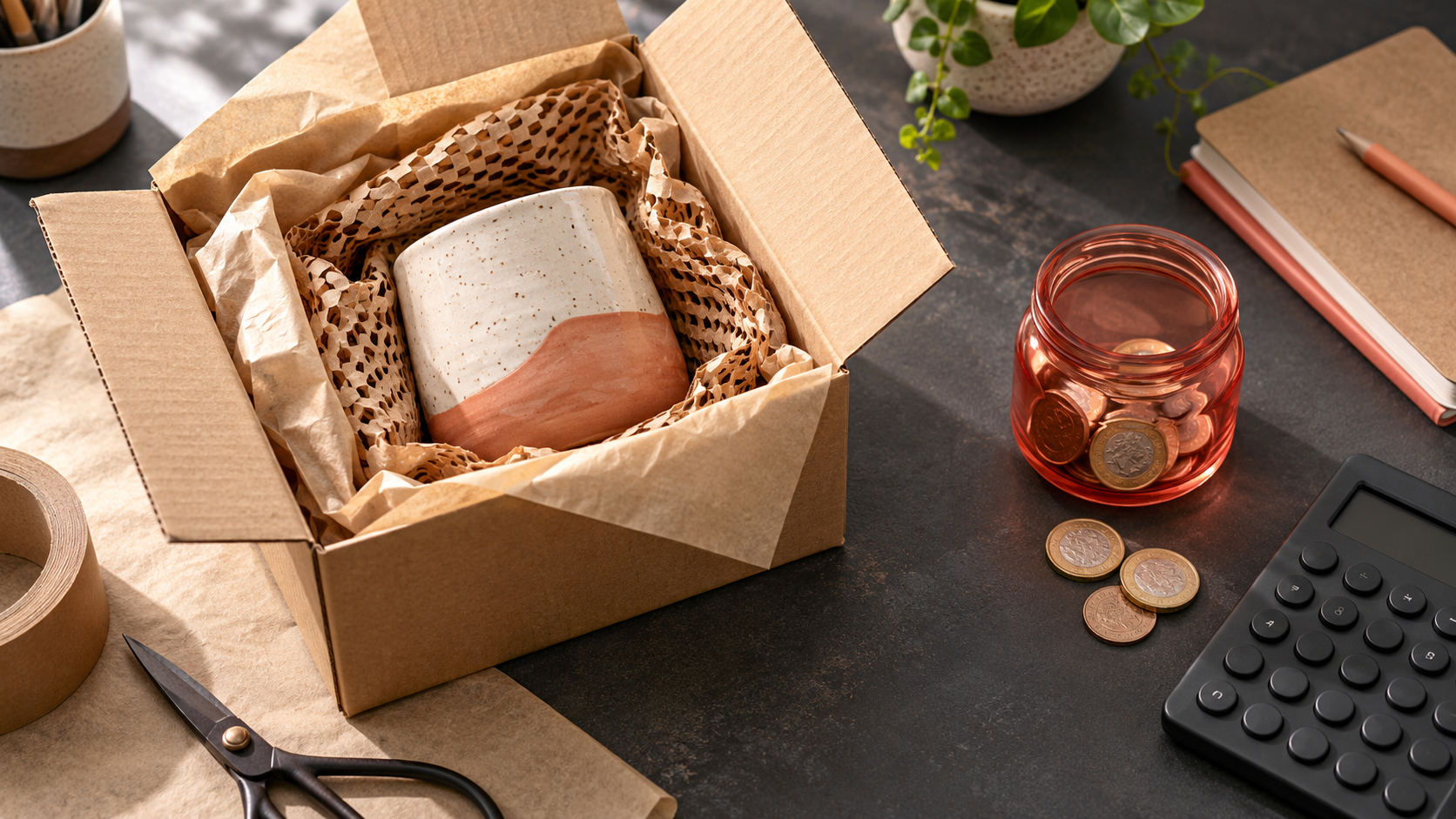
Supplier mock-ups help customers picture a product, but they are not the same as checking a finished sample. Print placement, fabric feel, colour and finish can differ from a screen preview. Order the product variant that carries the most uncertainty, then compare the delivered item with its page.
Keep a small evidence note: supplier, product code, size or colour, order date, what matched, what differed and which page claim you changed. Avoid presenting a general supplier statement as your own inspection. Be clear about what you have personally checked and what is based on provider information.

If you are still choosing samples, the POD Sample Testing Planner can help organise the question, evidence and next decision.
Print-on-demand orders often have a production stage before a carrier receives a parcel. Buyers need a realistic explanation of the overall process, including what a stated estimate means and how they can get help if the order is late. Confirm the supplier’s current terms and route before publishing a timing range.
Separate known information from estimates. If provider timing varies, say so plainly and avoid turning a service aim into a guaranteed arrival date. Make shipping charges visible before checkout and give returns or issue-reporting steps a clear place. Do not promise a remedy that conflicts with the applicable law, supplier terms or your own store policy.
| Customer question | What to check | Evidence to keep |
|---|---|---|
| When is the item made? | Supplier production estimate and its conditions | Current source and date checked |
| When does delivery begin? | Dispatch hand-off and carrier transit definition | Route and service details |
| What if there is a problem? | Contact route and relevant store policy | Issue steps and response owner |
For a broader store design review, Shopify’s store design checklist covers useful setup areas to verify. Treat the platform checklist as a prompt, then confirm that each setting matches your own products and fulfilment arrangements.
Open the public store on a phone or a narrow browser window. Start from a product page, choose a variant, add it to the basket and continue as far as a safe test environment allows. Check for clipped content, hard-to-use controls, confusing option changes, unexpected delivery costs and unclear error messages.

Check the experience with a keyboard as well as touch. Buttons should have clear labels, focus should remain visible, form fields should have labels and errors should explain how to recover. The GOV.UK guidance on making a website or app accessible outlines why accessibility needs to be considered and communicated. Automated checks can help, but they do not replace testing with real assistive technology and users.
Check the site as a cautious buyer. Can you find the business contact route, delivery information, returns policy, privacy details and a useful explanation of who runs the shop? Test every link. Remove old claims, placeholder wording and testimonials or badges you cannot substantiate.
Make a short route for common problems: a delayed parcel, a damaged print, a wrong variant or an address issue. Note which supplier or carrier detail you need, who replies to the customer and how you will keep the customer updated. A clear support process is part of the experience even if a problem is uncommon.
Choose a single observed friction point. Write down the page or step, the evidence, the change you will make and how you will know whether it helped. For example, if buyers repeatedly ask whether a design is printed on the front or back, add a labelled image and then review relevant questions after the update.
Keep the improvement log factual. A change in visits or sales may have many causes, so do not attribute a business outcome to a page edit without enough evidence. Start by checking whether the specific usability issue has been resolved.
Check key journeys before a launch or major promotion, then revisit them after meaningful changes to products, suppliers, theme, delivery terms or checkout. The right cadence depends on how often those details change.
No. This assessment organises your answers. It cannot access your shop or independently validate a checkout, supplier, policy or customer experience. You need to perform those checks directly.
Show the choices a buyer needs to understand and select the product, with clear labels and relevant specifications. Avoid hiding information that could change suitability, price or fulfilment expectations.
Prioritise samples based on uncertainty and customer impact, such as unfamiliar suppliers, important variants or products with material, sizing or colour claims. Keep records of what you have checked and do not imply that untested products received the same inspection.
Answer six questions about product clarity, sample evidence, delivery, trust, mobile shopping and support. Download a plan and choose one improvement you can verify.
PREFERRED SOURCE
Like what you’re reading? Add Make Local for Global as a preferred source on Google to see more of our articles when you search.












Build your online presence without having to figure out everything yourself.