

A practical guide to promoting a Christmas sale online, with small business examples for social media, customer emails, paid advertising and clear product links.

A Christmas sale can bring new visitors to a small online shop, yet a discount alone will not make the campaign work. Customers need to notice the offer, understand which products it covers, trust the delivery details and reach the right page without extra searching.
Think of promotion as a route: one clear message, shared in the places your customers already use, leading to a relevant product or collection page. This guide gives you a practical way to build that route without spreading a small budget or a busy schedule too thinly.
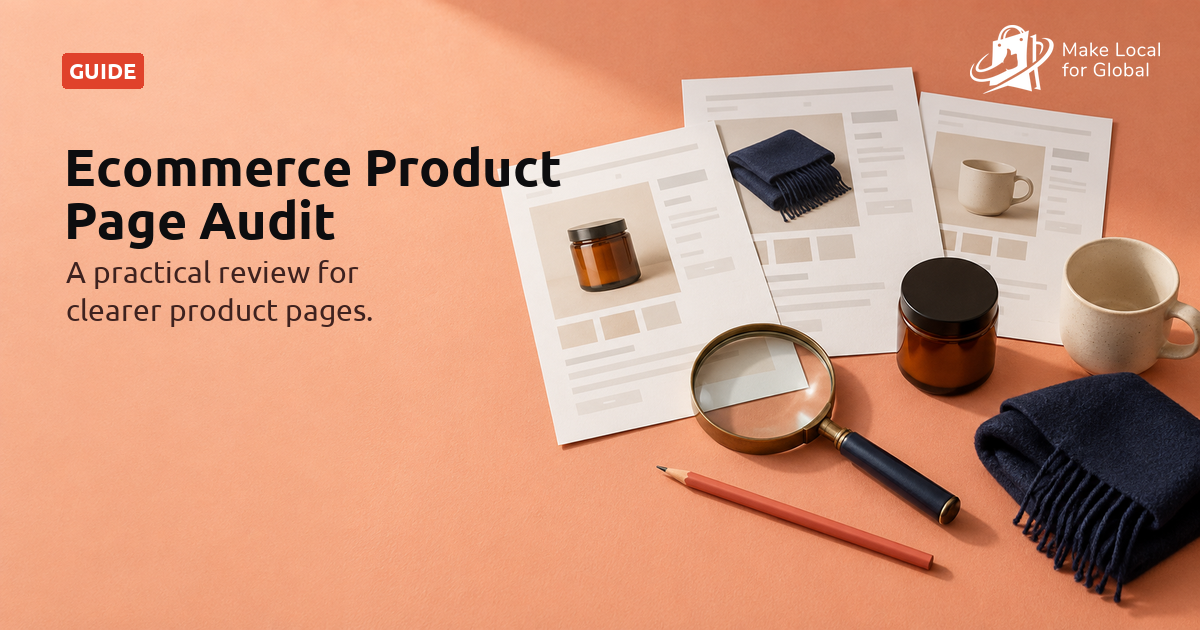
Clear product pages and campaign messages help shoppers understand what is included before they buy.
Before planning posts or adverts, write one sentence describing who the offer helps and why it may matter. A handmade candle shop might focus on people choosing small gifts for colleagues. A stationery seller might target parents preparing stocking fillers. A homeware store could highlight a gift set for someone who enjoys a cosy evening in.
Then state the offer in plain language. For example: “Save 10% on our winter candle gift sets until 15 December.” Include the products covered, the code if one is needed, the end date and any delivery limit. If the terms take several sentences to explain, simplify the promotion before you spread it.
Write a short campaign brief before opening a design tool. Include the goal, audience, featured product, offer, campaign dates, destination page, delivery wording and the person responsible for checking stock. This keeps the website, posts and emails consistent when several people are involved.
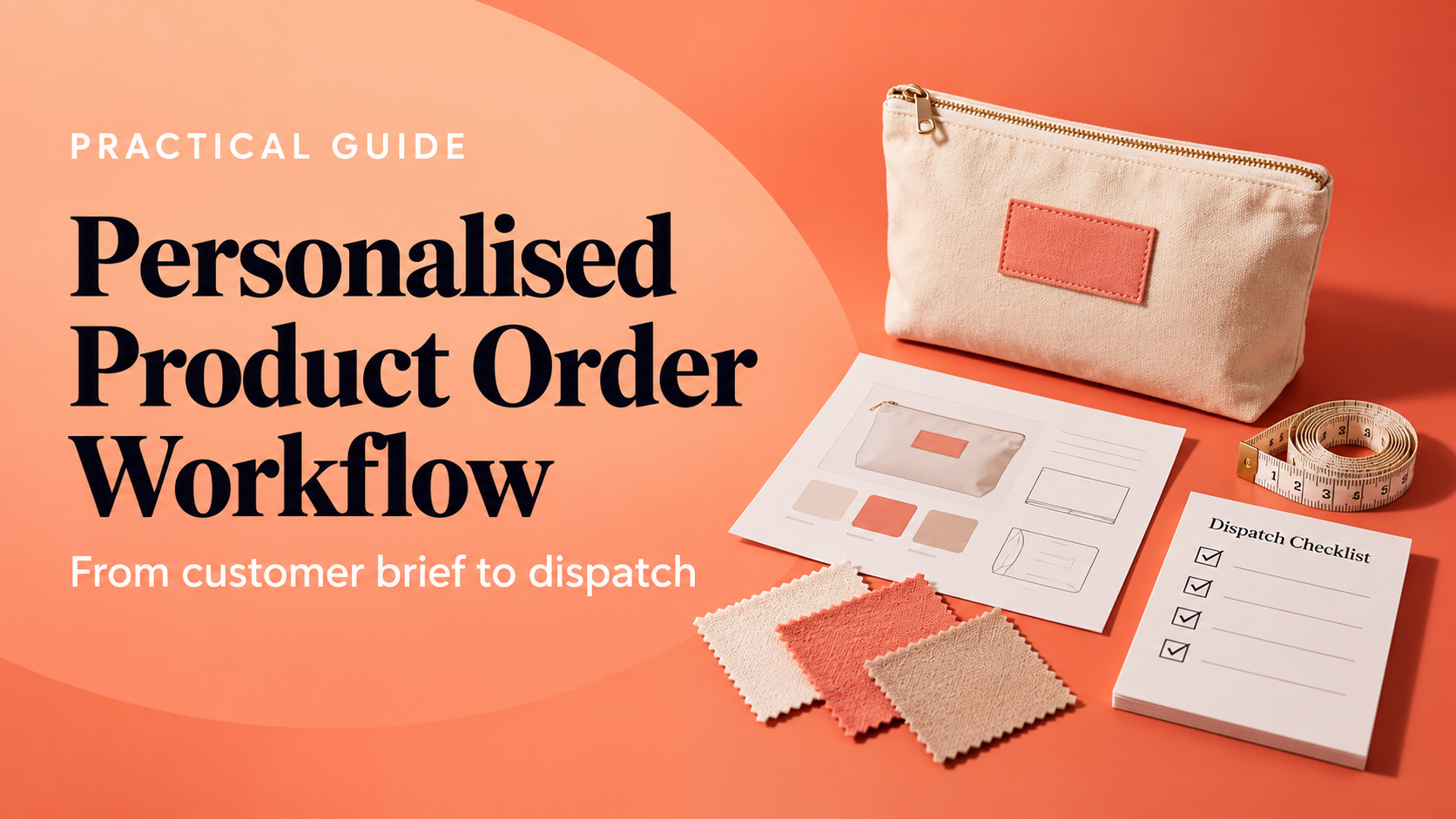
For example, a maker selling personalised wooden decorations might promote one name ornament to people buying small family gifts. The goal could be to send visitors to the personalised product page. Before scheduling posts, the owner checks the personalisation fields, production time, gift packaging and latest delivery estimate.
A post about a gift set should open that gift set or its collection, not make a shopper search the homepage. A general Christmas sale advert can lead to a seasonal collection with the offer and delivery details visible near the top.
Check the page on a mobile phone before sharing its link. The product should be available, the price should match the promotion, the code should work and the delivery estimate should be readable. Test the customer route in a private browser window too, so you see the page as a visitor would.
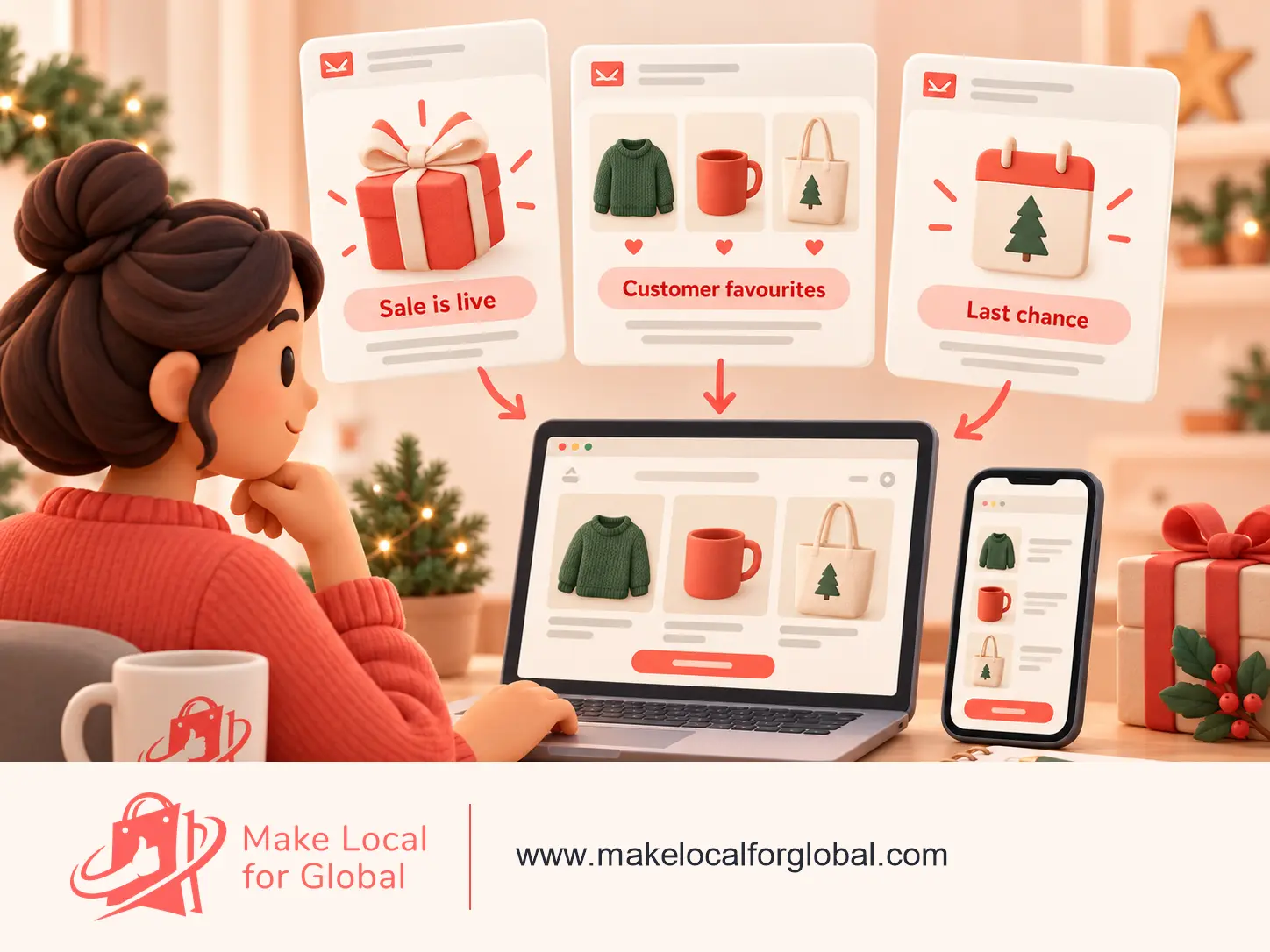
A small gift shop with a 12-day promotion could plan three emails for people it is permitted to contact. Each message has a separate purpose, so customers do not receive the same announcement three times.
Keep the sender name recognisable and the main action obvious. A reader should understand the email without loading every decorative image. Include the business identity and a working way to unsubscribe. Avoid a “last chance” subject if the offer will continue unchanged the following week.
Your existing subscribers are a useful place to begin. Send a launch email with one featured product or collection, a short explanation of the offer and a clear button. A second email can share customer favourites or answer a common question. A final reminder can state when the promotion ends, provided the end date is accurate.
For example, a small tea business might send “A little gift for tea lovers” with a three-item gift box, its price and the order-by date for expected pre-Christmas delivery. The email does not need several banners, every product in the catalogue or a lengthy introduction. Keep it focused and send it only to people who have agreed to receive marketing messages.

A small bath and body shop has a £28 winter gift set containing soap, hand cream and a cotton wash bag. The offer is 10% off until 12 December. The shop has enough stock for the promotion. These figures are examples. The product page lists ingredients, sizes, delivery information and the code, so each post can lead to the same checked destination.
The formats are different, but the facts stay the same. Check the code, price and end date on the page before scheduling. If stock changes, update or pause each scheduled post rather than leaving a customer to discover the change after clicking.
Show the item in context instead of repeating the same discount graphic. A short video can show what is inside a bundle. A carousel can compare three gifts by price. A story can answer “Who is this for?” or “What arrives in the box?” A behind-the-scenes image can show how an order is wrapped, as long as the image reflects what customers will receive.
Reuse the core offer, but change the helpful detail. On Monday, introduce the collection. Later in the week, show a popular item or demonstrate how it is used. Near the deadline, mention delivery timing and the campaign end date. Each post should have one action, such as viewing a product or browsing the collection.

Suppose a small jewellery shop can set aside £72 for a six-day test. Instead of splitting it across eight products, the owner chooses one gift-ready necklace with clear stock and a complete product page. The daily limit is £12, and the campaign is scheduled to stop after six days. The amount is illustrative, not a recommended budget.
The advert names the necklace, gives the price and explains any offer in plain language. It links directly to that product page. Before launch, the owner opens the advert preview on a phone, checks the link and confirms the product is still available. During the test, they note visits, add-to-basket activity, orders and total cost.
A paid campaign can attract clicks without producing orders. That is a reason to inspect the whole route, not automatically to increase spend. If people click but leave quickly, check whether the picture, price, delivery charge or product information matches the advert. If the offer cannot leave enough margin after costs, stop and revise it. Early clicks are not proof that the campaign will be profitable.
If you have a small advertising budget, choose one product, one bundle or one collection. Advertising ten separate items can divide the budget before you learn which message interests people. Use an image that shows the product clearly and write copy that names the offer, the audience and the next step.
Suppose a shop has £60 to test an advert over six days. It could promote its bestselling gift bundle to a relevant audience, send clicks to the bundle page and check visits, add-to-basket activity and orders. Treat the spend as a test, not a promise of sales. Pause or revise the advert if the page has a stock issue, unclear delivery information or no meaningful visits.
Review the campaign message, the page it links to and the mobile experience before your promotion goes live.
If your store already uses advertising tools that follow visitors who viewed a product or left a basket, a reminder can bring them back to the same item. Keep the message accurate and follow the consent and privacy requirements that apply to your business. Do not assume every small shop needs retargeting software; a clear email to opted-in subscribers and useful organic posts may be a better first step.
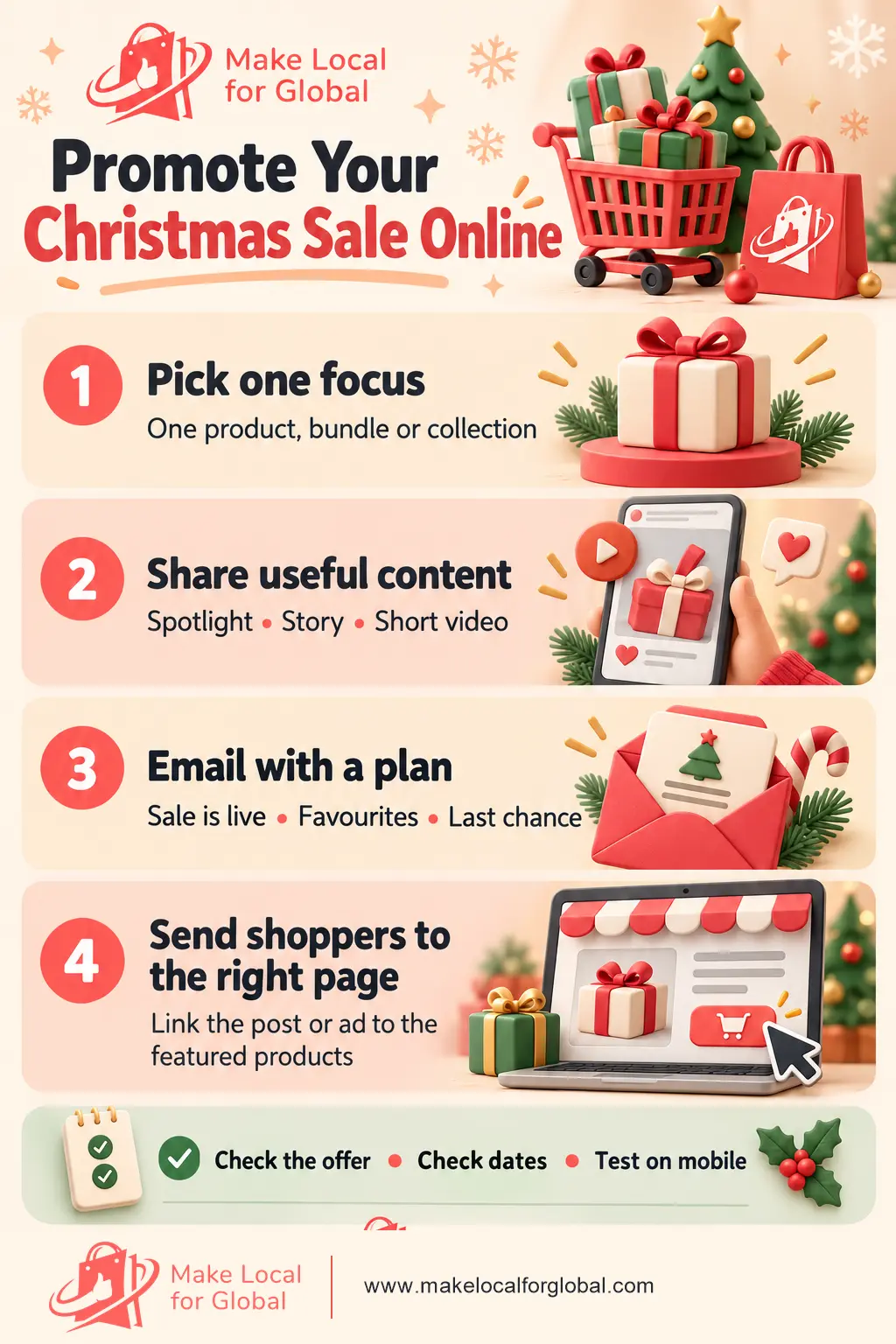
Use this visual as a final route check: a focused product, useful content, an eligible email audience, a relevant landing page and an offer that still works after costs. If one piece is not ready, fix it before paying to send more people to the shop.
A manageable plan is easier to maintain than daily posts across every channel. Adapt this example to your stock, audience and delivery dates.
Track a few useful measures: email clicks, product-page visits, add-to-basket activity, orders and the value left after costs. A post with many likes but no product visits may need a clearer link or call to action. A lot of visits with few basket additions can point to a product-page question, price concern or delivery detail that needs attention.
Record the results promptly. Note which details need attention. Note which product attracted attention, which message was easy to understand, what customers asked and whether the promotion left enough margin. These notes make your next seasonal campaign easier to plan.
A gift guide gives a customer a useful way to browse when they know who they are shopping for but have not chosen a product. A homeware shop could create a “Gifts Under £25” collection with five to ten available items, short descriptions and clear delivery information. Link a social post to that collection instead of asking people to search the whole catalogue. One product can appear in more than one relevant guide, such as “Gifts for coffee lovers” and “Gifts Under £20”, provided the product is genuinely suitable for both.
A bundle can make the buying decision easier. For example, a small stationery business might pair a £12 notebook with a £6 pen set. If the separate prices total £18 and the bundle price is £17, show both figures and explain exactly what is included. Check packaging, payment fees, delivery and product costs before describing the difference as a saving or setting a bundle price.
Reviews can add context when they are genuine and used with permission where needed. Choose a comment that answers a real question, such as how a mug feels in the hand or how a gift box arrived. Do not edit a review to change its meaning, suggest that one customer’s experience is guaranteed, or use an old review for a product that has since changed. Keep the product, image, price and link aligned with what the review describes.
Consider a small gift shop with a ready-to-ship candle set priced at £24 and a collection of other gifts below £25. The owner has a 10% code for selected products, enough stock for the planned promotion and a delivery estimate checked for the destinations served. The shop chooses one goal: help more shoppers find the gift collection. These details are illustrative. Use your own stock, costs, offer terms and current delivery information.
Before the first message goes out, tap each link on a phone and check the image, product, price, code, stock and delivery wording. After the advert has run for a few days, compare the spend with product-page visits, basket additions and orders. If people click but do not add the item, check the page and delivery costs before increasing the budget. Pause any message as soon as the product sells out or the offer changes, then update the other channels so they tell the same story.
Start with channels you can manage well, such as an email to opted-in customers and your active social accounts. Make sure the product page and offer are ready before you send people there.
Usually not when time or budget is limited. Choose a relevant bestseller, a strong bundle or a collection, then direct visitors to that page. You can broaden the campaign once you understand what is getting attention.
There is no single number for every audience. A launch message, a useful product or customer-favourite email and one accurate last reminder can be enough for a short promotion. Watch responses and avoid sending messages that add no new information.
Plan your offer with these Christmas promotion ideas for ecommerce stores, then prepare the landing page with this guide to getting your store ready for Christmas. For a focused email sequence, see Christmas email marketing ideas.
Choose the offer, landing page and main promotion channel. Then check the full customer journey on mobile before sharing it.
PREFERRED SOURCE
Like what you’re reading? Add Make Local for Global as a preferred source on Google to see more of our articles when you search.









Build your online presence without having to figure out everything yourself.