

Plan useful Valentine’s social content for your online shop with practical post ideas, short video prompts, sample captions and a ten-day calendar.

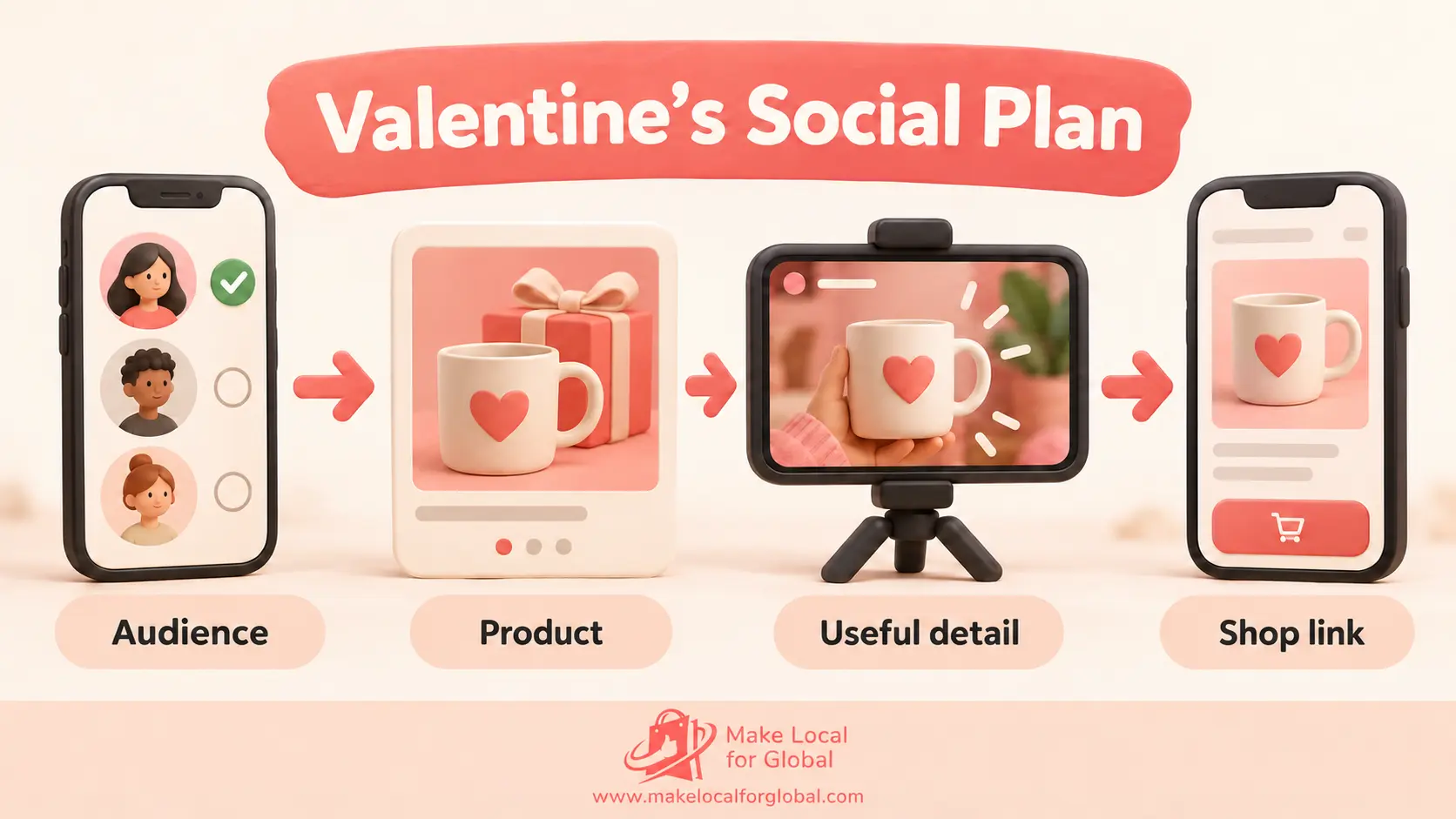
“Post more” is easy advice to give a new ecommerce owner. It is less useful when you are looking at a phone full of products and wondering what to say. A good Valentine’s campaign does not need a new post every day. It needs a small set of clear ideas that help people discover a product, understand it and find the right page.
Choose posts that answer the questions shoppers already have: who might enjoy this, what does it look like, what is included, how much does it cost and when should I order? You can make several useful pieces of content from the products and information you already have.
MLFG’s free Website Brief Builder helps you organise your audience, offer, pages and launch priorities before requesting website support.
Before you plan a caption, decide who this post is for and what you want them to see. Valentine’s Day can mean a partner gift, a present for a friend, a family gesture or a small treat for yourself. You do not have to make every product sound romantic.
A pottery shop might feature a pair of handmade mugs as a shared breakfast gift, while showing one mug as a useful present for a colleague. A candle maker could talk about a quiet evening at home rather than claiming that every candle is “the perfect gift”. Specific, honest ideas give customers room to decide.
Group three or four products by a real decision: gifts under £20, gifts for a friend, personalised keepsakes or small home treats. A homeware store could show a mug for £14, a tea towel for £12 and a small vase for £19. Put the accurate price on each slide and link to the collection. Do not squeeze an unrelated item into the guide just to fill a layout.
Show the product clearly, then answer something a buyer may wonder about. A jewellery seller can show a pendant beside a ruler, give the chain length and say whether the gift box is included. That is more useful than a close-up captioned only “Perfect gift!”
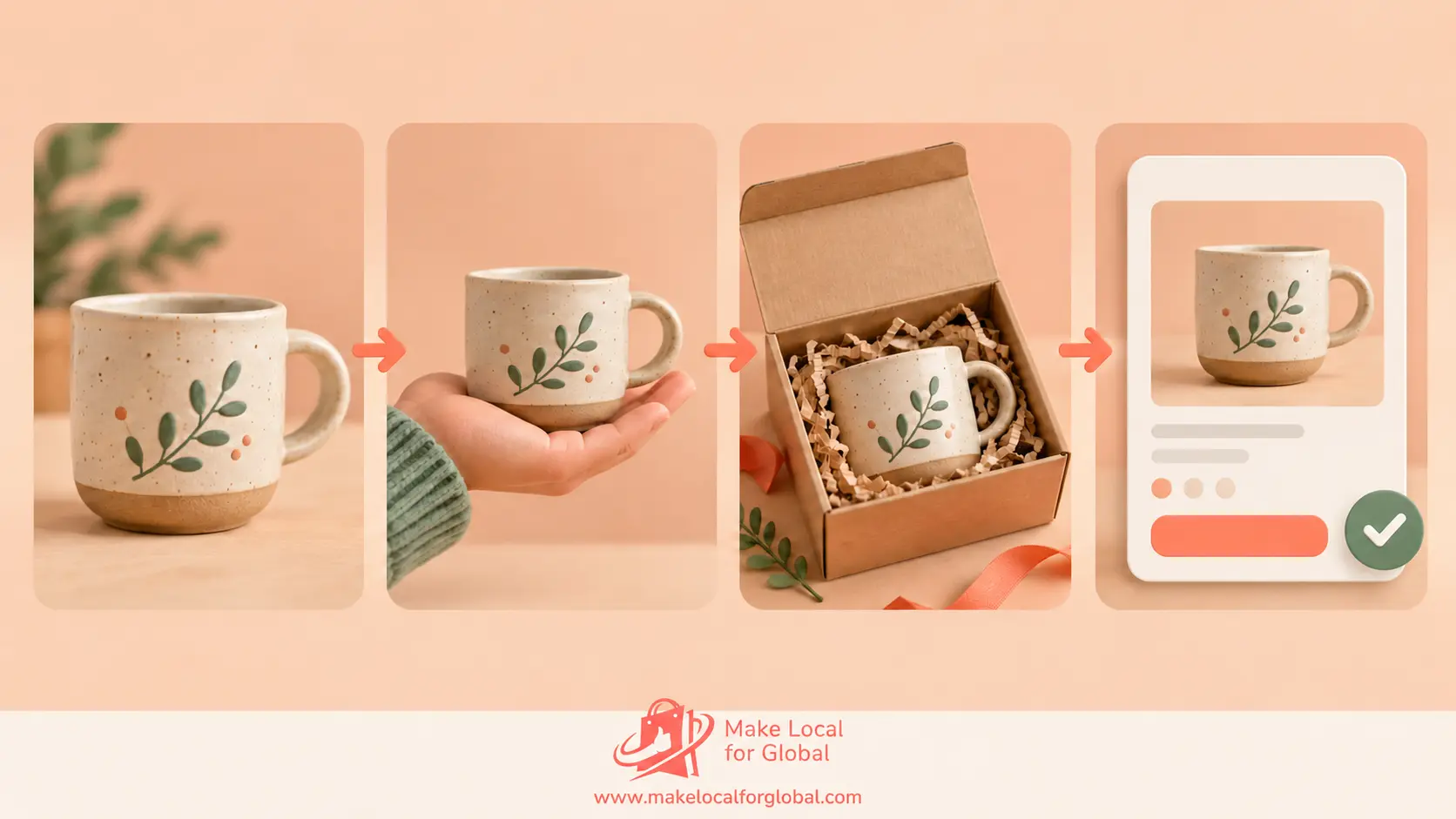
Use a phone and natural light. Show the item, one useful detail, the packaging and its name. Add short on-screen captions so the main point is clear without sound. A handmade soap shop might show the bar in a hand for scale, the ingredient label and the finished gift wrap. Avoid health claims unless you have checked that the wording is supported and permitted.
Place two real options side by side and ask “Soft pink or deep red?” or “Coffee mug or tea cup?” A Story poll invites a quick response. Treat replies as a conversation, not proof of future sales. If someone asks about a colour, reply with a link to the exact option.
A print might appear above a bedside table, or a scarf beside a winter coat. Include a familiar object or person to show scale. Make sure the photo does not imply an accessory, gift box or decoration is included if it is not.
A review can answer a practical concern, such as how a personalised item looked on arrival. Ask before sharing the customer’s words or photograph, preserve the meaning and do not suggest that one person’s experience is guaranteed for everyone. Link to the product they reviewed.
Show a relevant step: checking a personalised spelling, choosing a gift box or packing a batch of orders. A short clip can make your process tangible. Keep private customer details out of frame and do not promise dispatch dates that your current workload cannot support.
“Use LOVE10 for 10% off selected gifts until 8pm on 10 February” is clearer than “Valentine’s deals are here”. Name the eligible products, minimum spend if any, end time and delivery cut-off. Test the code and the destination link before posting. If a customer needs an item by 14 February, do not imply that an order after your real cut-off will arrive in time.
You do not need a separate campaign for feed posts, Reels and Stories. A gift guide can become a carousel, a short video that turns three products in view, and a Story poll. Keep the product facts consistent, then choose the format that makes them easiest to understand.
| Format | Useful job | Example | Next step |
|---|---|---|---|
| Feed carousel | Compare products | Four gifts under £30, prices on each slide | Browse that collection |
| Reel or short video | Show scale or use | Personalised notebook from cover to gift wrap | View the notebook |
| Story | Ask or answer a timely question | “Which colour would you choose?” | Tap the product link |
| Static photo | Focus on one item | Candle with its size and burn time | Check product details |
| Q&A | Address repeated questions | Explain gift wrap, personalisation and dispatch | Visit the FAQ |
Choose formats your team can produce clearly and consistently. Results vary by audience, product and platform.
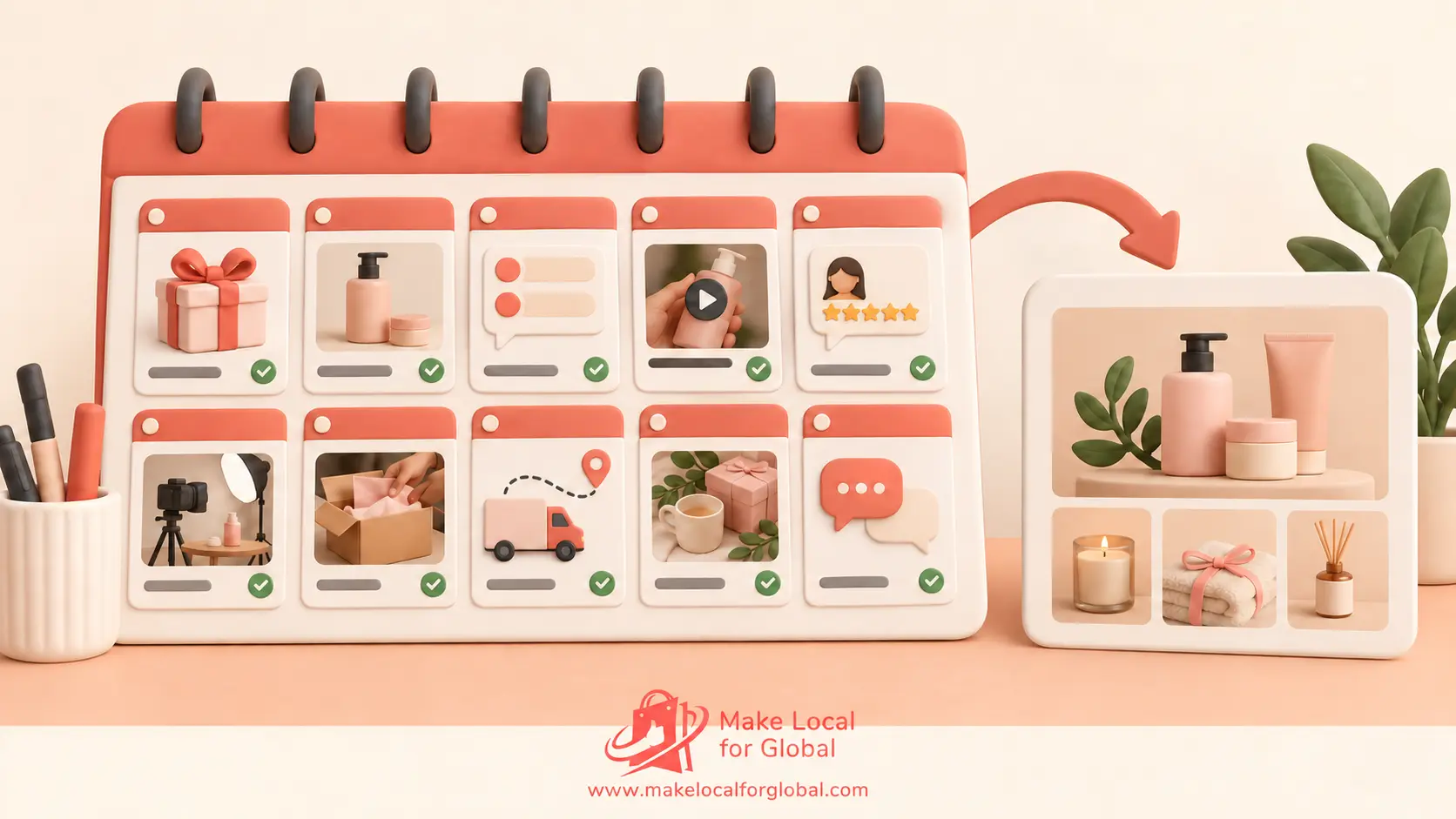
This example is for the ten days before 14 February. Shift it to suit your inventory and dispatch schedule. One post every day is optional. A solo maker might publish four feed posts and use Stories to answer questions between them.
Lead with a concrete detail, then explain the next step. For example: “Looking for a small Valentine’s gift? These hand-printed coasters are £16 for a set of four. Choose blue or terracotta and check the current dispatch estimate on the product page.” Replace every sample price, product detail, service area and date with your own verified information.
A delivery caption should state which items and area it applies to, the real order cut-off and where customers can check current terms. A product caption can mention materials, dimensions, personalisation and whether gift packaging is included. Avoid stacking five different calls to action in one post.
A repeatable schedule beats a burst of posts followed by silence. A solo shop might plan two feed posts, one short video and a few simple Stories in a week. Reuse accurate facts, not the exact same graphic each time: a product photograph can become a detail post, a packing clip and a customer question. Watch useful signals such as replies, saves, product-page visits and completed orders, then adjust what you make next.
If a post is an advert or paid creator partnership, make its commercial nature clear and check the current ASA guidance on recognising brand-owned and paid social advertising. Rules depend on the arrangement, so seek qualified advice if you are unsure.


There is no schedule that fits every shop. Start with a pace you can sustain, such as two or three useful feed posts a week, then use Stories for timely updates. Increase only when you have something relevant to share and can keep the details current.
A phone, steady surface and window light are enough for a simple demonstration. Add readable captions and show one useful detail. A clear photo or carousel is a good alternative when video does not suit the product.
Ask first and confirm where you plan to use it. Keep the image and review in context, and do not imply that one person’s experience is guaranteed for everyone.
No. Demonstrations, useful gift suggestions, reviews shared with permission and honest delivery updates can help customers decide without reducing your price. If you do discount, state the limits and check your costs first.
Update your posts and product pages so they do not promise a date you cannot meet. If available, you could feature local collection, a digital item, a gift card, self-gifting or products suitable after the day.
MLFG’s marketing tools include a social caption generator. For help with the store behind a campaign, compare current plans or ask which support fits your setup.
A useful Valentine’s social campaign gives each post one job: help someone find an idea, understand a product or act before a real deadline. Choose a small range, create varied content from accurate details and check every link before publishing.
Share what you sell, who you want to reach and which store tasks are slowing you down. MLFG can discuss suitable website setup and support options.
PREFERRED SOURCE
Like what you’re reading? Add Make Local for Global as a preferred source on Google to see more of our articles when you search.













Build your online presence without having to figure out everything yourself.