

A practical UK guide to setting a stock budget, comparing product gaps, rounding supplier packs and reviewing cash before placing an order.


A limited stock budget forces choices. One product may be close to running out, another may have more units than it can sell soon, and suppliers may only sell in fixed pack sizes. A useful allocation process makes those trade-offs visible before you commit cash.
This guide shows a practical way to compare stock needs across several product lines. It separates money you can spend from cash already committed, turns target gaps into supplier packs, and gives you a repeatable review. The example is illustrative, not a demand forecast or buying instruction.
Use the free lab to enter a stock budget, target cover, demand, current units, unit costs and pack sizes for up to four products.
A bank balance is not automatically a stock budget. Cash may already be needed for supplier invoices, payroll, tax, postage, refunds, software or other near-term commitments. Start with a dated figure for cash you can actually consider spending, and list the amounts that are already spoken for.
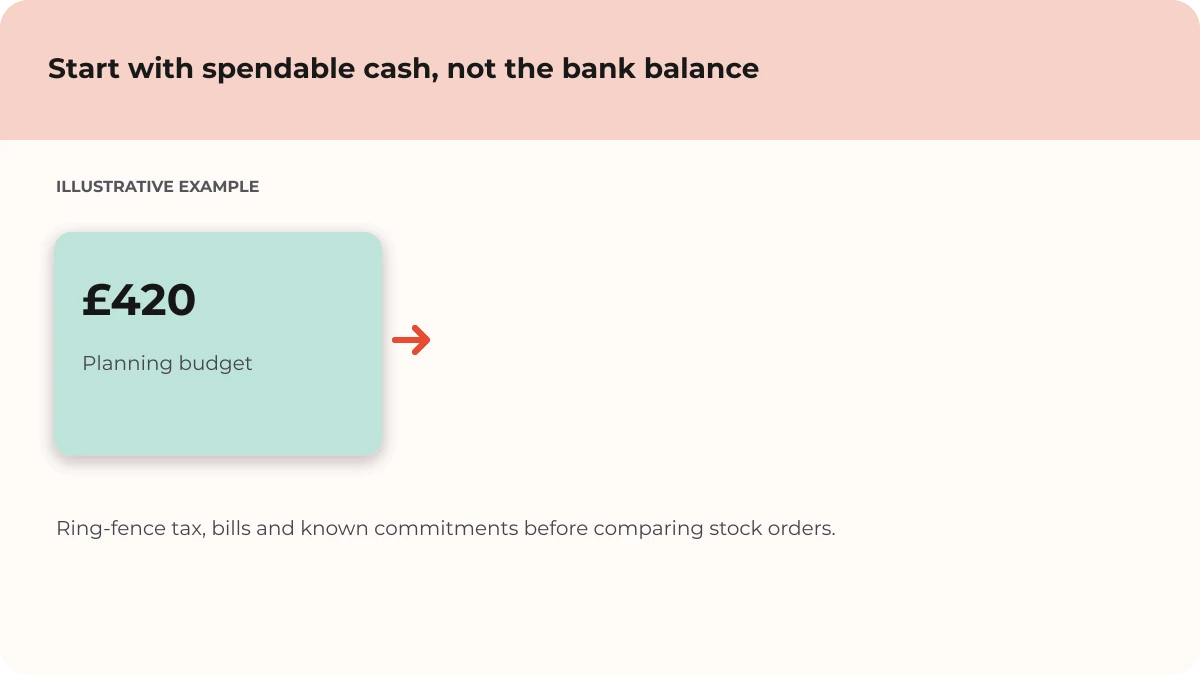
For example, a store might have £600 available in its account but £180 due for known bills. If the owner decides to protect that £180, the amount to compare for stock is £420, not £600. The right reserve depends on the business and timing. Record the assumptions and check them against current records before using the figure.
Use the same planning period and definition for every item. A simple monthly target might be demand for the next month multiplied by a chosen number of months of cover. Subtract saleable stock already on hand to find the target gap. If your process includes confirmed incoming stock or units committed to customers, account for those consistently too.
Do not confuse a target gap with an order quantity. The gap is a planning comparison. A supplier’s minimum order, pack size, delivery time, product life, storage capacity and cash position can all change what is practical. UK Government guidance on ecommerce inventory also stresses accurate stock records and monitoring demand, and describes lead time and safety stock as part of a reorder-point calculation. That is a useful related check, but it answers a different question from dividing a fixed budget across product lines.
If your main challenge is the timing of reorders, read our guide to prioritising reorders across multiple products. For customer-facing product categories and variants, see how to organise a multi-product ecommerce catalogue.
Suppliers often sell in cases rather than single units. Divide the target gap by the pack size and round up to a whole pack if you need to meet or exceed that target. Then multiply the order units by the unit cost. This gives an indicative cost to compare, not necessarily the final delivered cost.
In the hand-calculated example below, four products have gaps of 10, 10, 24 and 2 units. The supplier packs mean the illustrative orders would be 12 mugs, 10 totes, 24 notebooks and 4 gift boxes. At the sample unit costs, the combined spend is £266, leaving £34 from a £300 planning budget. Delivery, VAT treatment, discounts, supplier minimums and payment timing are not included.
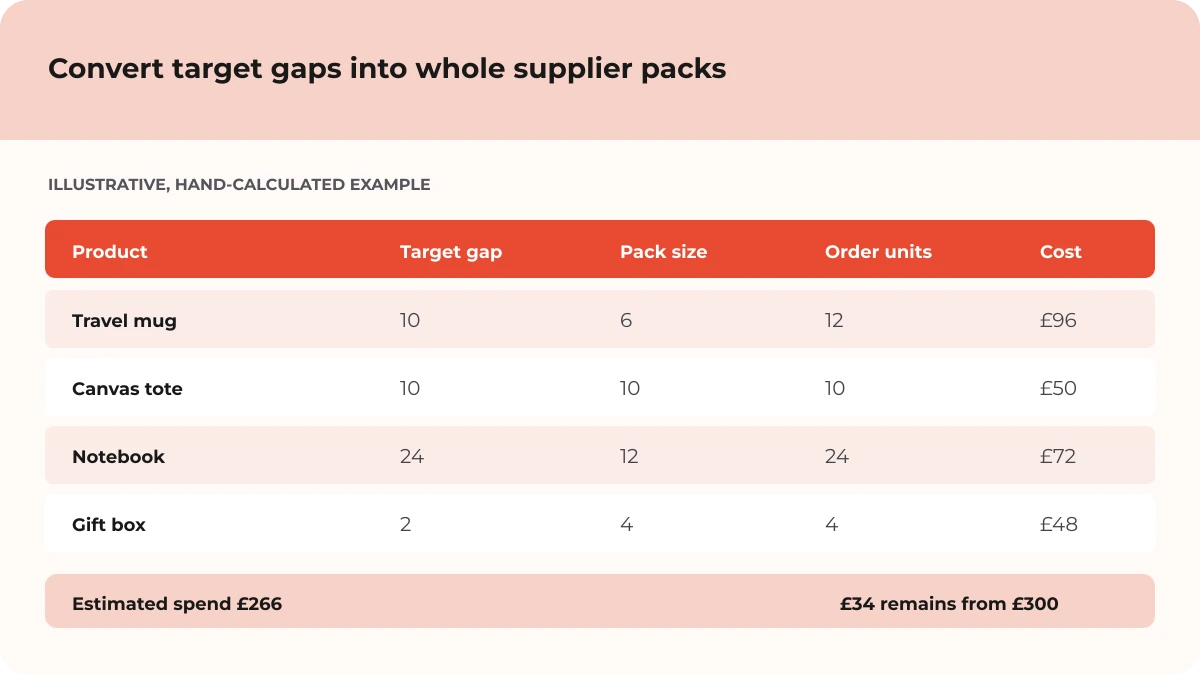
Rounding can create more stock than the target gap. That may be acceptable for a reliable, fast-moving product, but it can also leave cash tied up in stock that moves slowly. Make the excess visible rather than treating the rounded order as automatically correct.
When the cost of every target order is above the available budget, use a clear priority rule to compare products. The rule might reflect customer commitments, evidence of demand, contribution, lead-time risk or the consequences of a stockout. Keep the reasons visible and review them when the evidence changes.
Revenue-based ABC analysis can help identify products that deserve closer attention, but it is not a complete purchasing rule. Shopify’s documentation notes that its ABC grades are based on revenue contribution and do not factor in item cost. A high-revenue item may still have a different cash requirement, margin or supplier risk from another item. Combine any ranking with your own costs, availability and customer context.
In the Inventory Allocation Lab, the priority setting is a comparison input: it influences how the illustrative budget is allocated as packs are considered. The app uses the values you enter; it does not know whether demand is seasonal, whether a supplier is reliable, or whether a customer order is already promised. Review its result as a scenario, then decide what to verify.
Change one assumption at a time to see how the allocation and remaining budget respond, then check the result against your stock records and supplier terms.
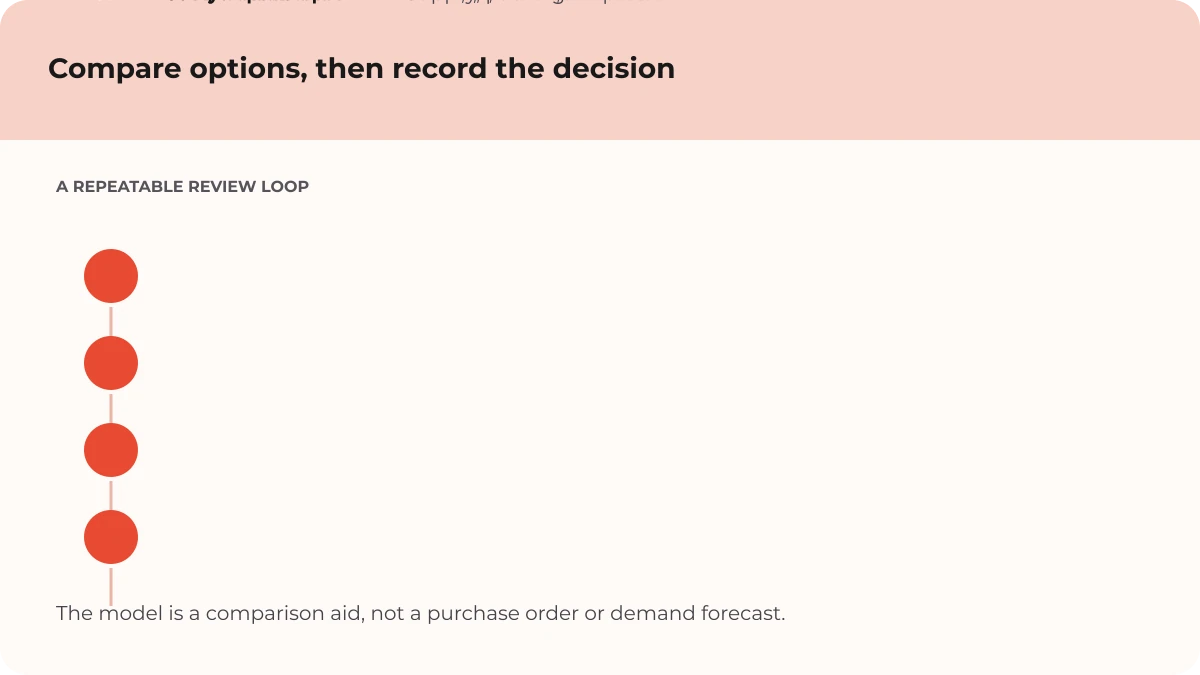
Set a realistic spend limit, compare target gaps using consistent demand and stock figures, convert each gap into whole supplier packs, then prioritise using evidence and business constraints. Check the total landed cost and cash timing before placing orders.
Often it is sensible to model a reserve for known bills and uncertainty, but the right amount depends on your cash cycle and obligations. Review it with current records and suitable professional advice where needed. Do not treat a calculator’s unspent balance as automatically available.
Sales volume is one useful signal, not the only one. Compare contribution, stock availability, lead time, commitments, pack sizes and the effect of a stockout. Shopify’s ABC analysis can be a starting point for attention, but it ranks revenue contribution and excludes item cost from the grade.
No. It compares four product lines using your budget, target cover, priority, demand, current units, unit cost and supplier pack size. Its allocation is an educational scenario, not a forecast, purchase order, financial recommendation or guarantee. Confirm live stock, supplier terms, delivery charges, taxes and cash requirements yourself.
A useful allocation is not just a set of numbers. It is a documented comparison: what cash was available, which products were considered, what assumptions mattered and what still needs checking. Revisit the plan when demand, stock or supplier terms change.
Compare four products, review whole-pack allocations and download a summary of the scenario you entered.
For the broader product-range view, read how to compare product mix, contribution and stock cover. For current stock across selling channels, see the UK Government’s guide to managing inventory for multiple online channels and Shopify’s guide to ABC inventory analysis. Need help choosing the right setup for your store? Talk with MLFG.
PREFERRED SOURCE
Like what you’re reading? Add Make Local for Global as a preferred source on Google to see more of our articles when you search.

























Build your online presence without having to figure out everything yourself.