

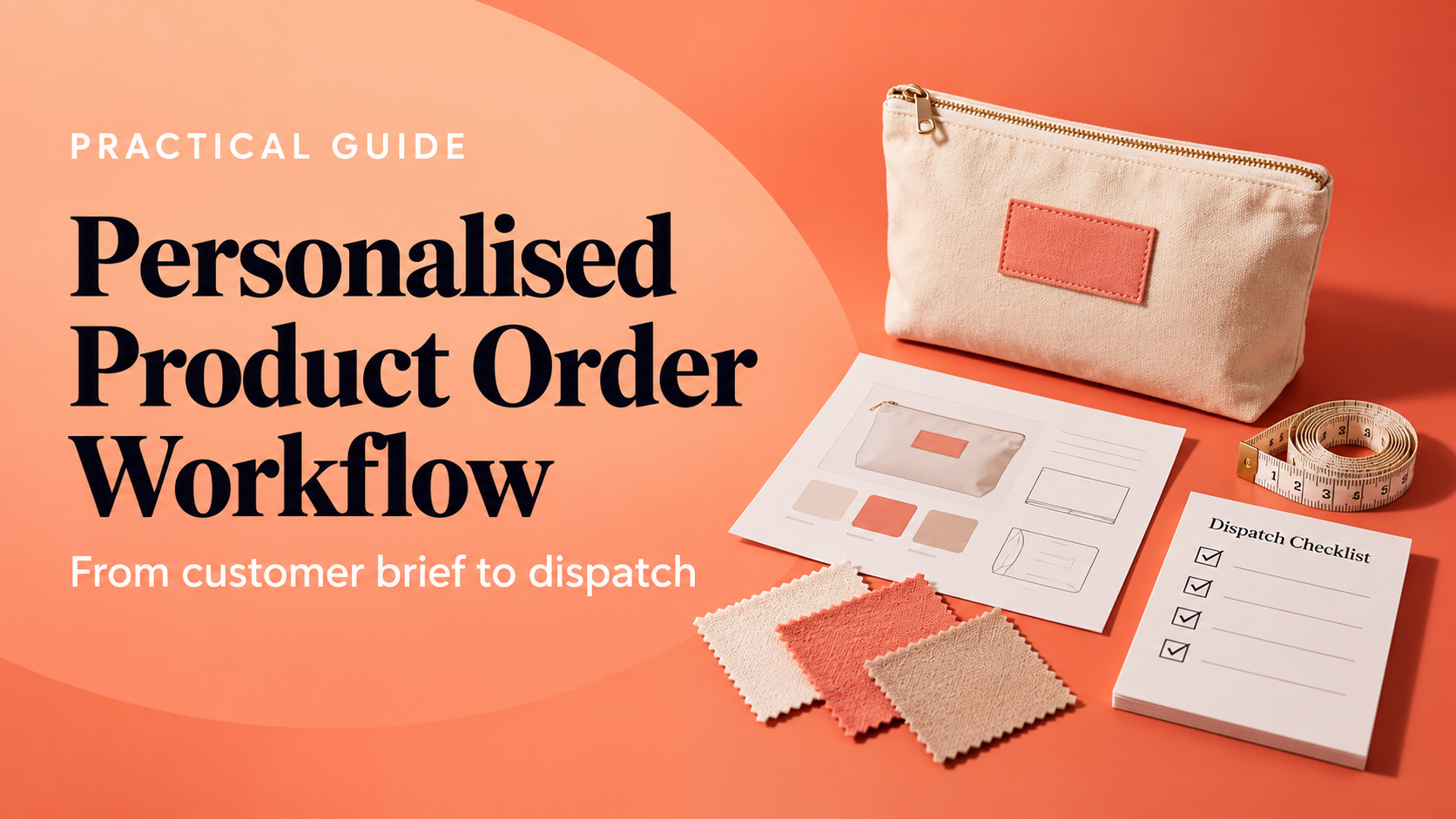
Use a custom order workflow template to record requests, approvals, production checks, customer updates and dispatch steps for personalised orders.


A custom order can move through several hands before it reaches the customer: a request arrives, details are confirmed, artwork or personalisation is approved, materials are prepared, work is checked and a parcel is dispatched. If the steps live only in messages or in one person’s memory, missed details can turn into rework and uncertain delivery updates.
This guide gives small UK product businesses a practical custom order workflow template. It explains what to record at each hand-off, where to add approval gates, and how to make a delivery promise that reflects the work still in the queue. It is an operating aid, not a forecast or legal advice.
Use the free planner to review seven hand-offs, check the time and capacity behind your promise, and download a three-page workflow review after completing the form.
A workflow is a repeatable route from a confirmed customer request to a completed hand-off. It does not need specialist software. A checklist, order board or spreadsheet can work if every order has a clear status, owner, next action and record of decisions.
The important distinction is between activity and a gate. “Artwork reviewed” is an activity. “Customer approval recorded before production starts” is a gate. Gates reduce the chance that work moves forward while a decision, material or customer detail is still missing. If you already have a broader personalised product order workflow, use this template as a practical way to make those hand-offs visible and repeatable.
Copy the stages below into the tool your team already uses. Adapt the labels to your products, but keep a visible exit condition for each stage. The next owner should be able to tell what is complete without reconstructing a conversation.
| Stage | Record and owner | Ready to move on when |
|---|---|---|
| 1. Capture the request | Order reference, product and variant, personalisation, quantity, customer deadline, contact details and source files. Name the person checking completeness. | Required details are present, legible and attached to the order record. |
| 2. Check feasibility | Materials, supplier lead time, equipment, skills, current queue and any unusual requirements. Record an owner and a date to confirm availability. | The product can be made with known inputs and a realistic route through the queue. |
| 3. Confirm scope and terms | What is included, what is excluded, price, delivery charge, payment status, expected dispatch or delivery period, and the next customer update. | The customer has received a clear confirmation and the order record matches it. |
| 4. Approve the proof | Final spelling, dimensions, colours, placement, image or design version, approval date and approver. | Approval is recorded against the exact version that will be produced, or a proof is explicitly not required. |
| 5. Prepare and produce | Materials picked, production instructions, assigned person, start date, planned hours and any dependency or pause. | The production steps are complete and any exception is recorded for review. |
| 6. Check quality and pack | Inspection points, personalisation match, quantity, condition, packaging and the person completing the check. | The finished item matches the order and is ready for the chosen dispatch method. |
| 7. Dispatch and close | Carrier or collection route, dispatch date, tracking reference, customer update and any follow-up action. | The customer has the agreed dispatch information and the order record is complete. |
Keep the template proportionate. A repeat order for a proven product may need a short check, while a first-time combination of materials, dimensions or personalisation may need a fuller review. A workflow should make the difference visible rather than forcing every order through unnecessary administration.
Custom work has a few common points where a pause is valuable. Decide in advance what must be true before the next stage begins.
These controls are not a substitute for product-specific safety, labelling or consumer obligations. They are prompts to make a decision visible. If the customer changes a specification after approval, record the new version, any price or time impact, and the new approval before work continues.
A useful estimate separates hands-on work from waiting. First estimate active hours for the order. Then account for the hours already committed, weekly working capacity, a buffer for interruptions, approval or supplier waits, and the time required to pack and hand the parcel to the carrier.
The free planner combines workflow coverage with a simple capacity check. It highlights the first unclear hand-off and compares an estimated working window with the customer promise you enter.
For example, suppose a maker has 20 available hours each week, 8 hours of work already queued and a 20% protected buffer. That leaves 16 effective hours for committed work. If a new order needs 3 active hours, it still may not be ready in the same afternoon: a proof may need approval, stock may need to arrive, or dispatch may only happen on certain days. Treat the estimate as a planning signal, then check it against the actual calendar and dependencies.
Review the estimate when the queue changes. A new batch, staff absence, supplier delay, rework or customer revision can change the earliest realistic completion window. The Custom Order Lead Time Planner can help you look at the dates and queue separately, while the Customised Products Capacity Lab is useful when the constraint is how much work your current setup can handle.
Customers should not have to guess whether an order is waiting for their approval or waiting in your production queue. Choose a small set of update points and assign an owner: confirmation received, proof ready, approval needed, production started, dispatch completed, or a delay requiring a revised expectation.
Each update should be specific and useful. Say what has happened, what is needed next, who owns that action and when the customer should expect another update. If the date changes, explain the reason in plain language and offer the next realistic step. Avoid wording that makes a delivery guarantee unless you can genuinely support it.
Delivery information is part of the customer’s order expectations. GOV.UK guidance for online selling says businesses should explain delivery options, costs and expected timing, confirm the contract, and deliver within 30 days unless a different period has been agreed. Section 28 of the Consumer Rights Act 2015 also sets out the default delivery period where the trader and consumer have not agreed otherwise. The rules can depend on the sale and circumstances, so check current official guidance and obtain appropriate advice for your business.
Sources: GOV.UK online selling guidance and Consumer Rights Act 2015, section 28. This article is general operational information, not legal advice.
Collect only information needed to understand and fulfil the request: product and variant, quantity, personalisation instructions, reference files, customer contact details and any requested timing. Add a completeness check so the order does not move into production with unclear or conflicting information.
Set a clear start condition for each order type. For a proof-based product, that may mean the correct artwork version has written approval, the necessary materials are available and the agreed payment or deposit condition is met. Record exceptions instead of relying on an informal message thread.
Choose update points that match meaningful events, such as order confirmation, a proof awaiting approval, a changed estimate or dispatch. If a customer must act, state exactly what is needed and by when. If nothing has changed, a short update at the interval you promised can still prevent uncertainty.
The main difference is the number of customer-specific decisions before production. Personalisation, proof approval, special sourcing or one-off specifications add approval and feasibility gates. Keep standard fulfilment steps where they still apply, then add explicit checks for the decisions that vary by order.
Map your process, spot the first unclear hand-off and save a practical workflow review that your team can use as a starting point.
Build the simplest workflow that keeps each decision, owner and next action visible. Review it against real orders, update the steps when the work changes, and keep customer expectations grounded in the capacity and dependencies you can actually see.
PREFERRED SOURCE
Like what you’re reading? Add Make Local for Global as a preferred source on Google to see more of our articles when you search.


























Build your online presence without having to figure out everything yourself.