

Build a repeatable personalised product order workflow, from a complete customer brief and proof approval to production, quality checks and dispatch.

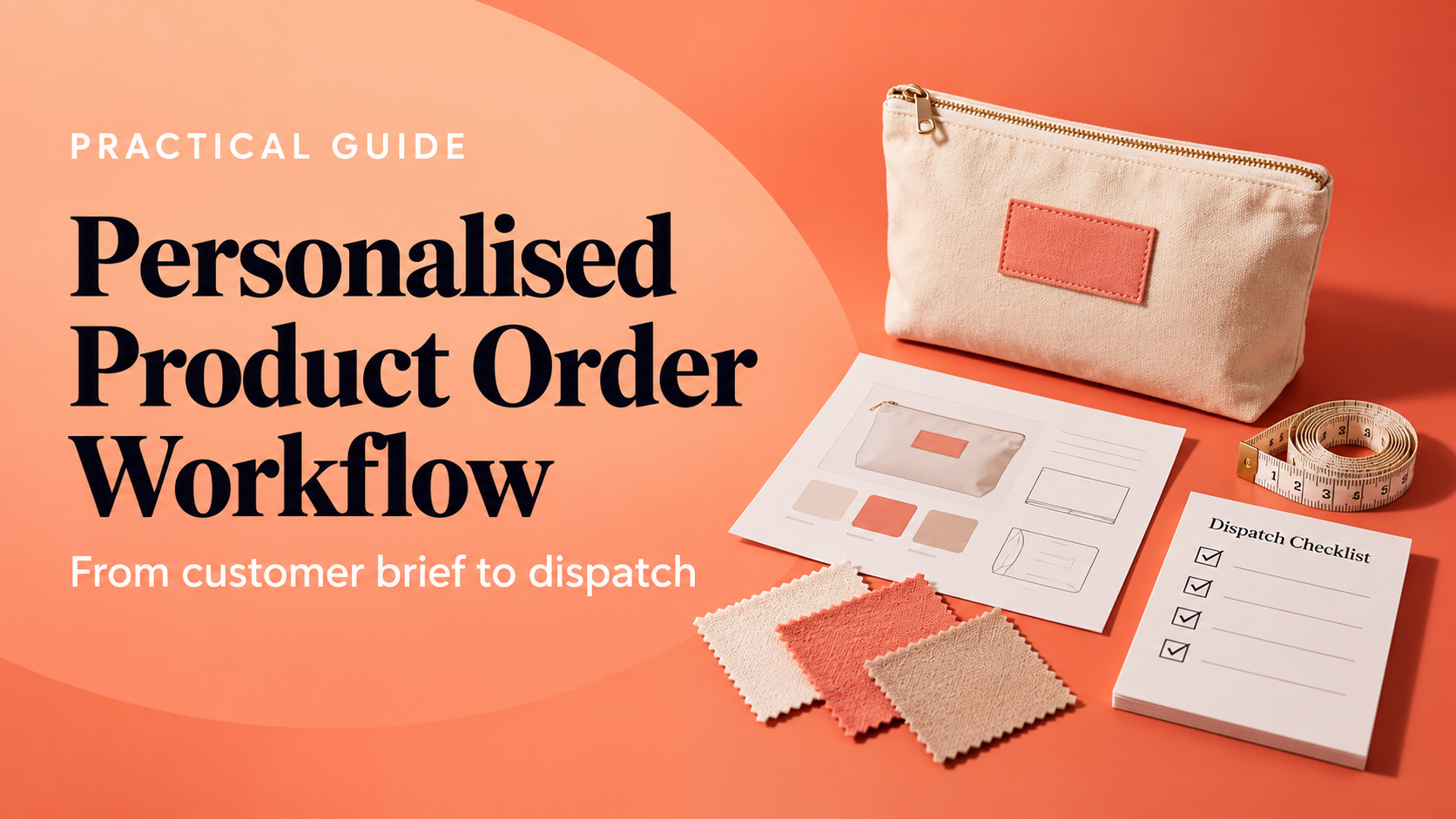
A personalised product order involves more than adding a name or choosing a colour. The customer has to explain what they want, you need to confirm what can be made, and everyone needs to understand what happens before production and dispatch. A written workflow makes those hand-offs easier to repeat and review.
This guide is for small product businesses selling made-to-order or customised goods. It shows how to map the process from product choice to delivery, where to record decisions, and how to learn from a manageable first test. It does not predict demand or replace product-specific legal advice.
The free Customised Products Mini Course covers offer scope, customer briefs, proof approval, production capacity, quality checks and a controlled order pilot. Complete six short lessons and download a roadmap based on your answers.
A reliable workflow answers a few practical questions. Which parts of the product may the buyer customise? What exact information must they provide? Does someone need to approve a proof? When does production begin? Who checks the finished item, packs it and updates the customer? If a detail changes or a supplier is delayed, who decides what happens next?
These decisions do not need a complicated software system. A form, order record and checklist can be enough for a small business. The important part is that each hand-off has an owner, a record and a clear next step. Use the same product terms on your sales page, customer brief, production notes and dispatch message.
Start by naming the product, likely buyer and the precise detail the customer can change. That could be a name, short message, colour, size or placement. Separate standard options from requests that need a separate quote or are outside your current capability. A clear boundary protects the customer from a vague promise and helps you estimate the work.
Write a short specification for each option: what the customer sees, what you need them to choose, and what you will make. Use consistent labels. If a product offers three thread colours, call them the same thing on the product page, order form and production sheet. Avoid relying on notes such as “usual blue” unless the option is identifiable to both sides.
Set an order cut-off for changes. It might be the point before a proof is approved or before materials are prepared. Explain how a late request will be handled, including whether it needs a revised quote or affects the expected dispatch date. Do not promise a rush option until you have checked the supplier, labour and packing capacity behind it.
A useful customer brief captures the details required to make the right item without guesswork. Depending on the product, record the exact wording and capitalisation, chosen size, colour, placement, artwork file, reference image, quantity and requested date. Tell the customer which answers are required and what file types or character limits you accept.
Use a required field for a decision that blocks production, not for every detail you might conceivably want. Optional information should be clearly labelled. Before accepting the order, review the answers for missing or conflicting choices. A customer may select one size and upload a design that only works on another. Make that mismatch visible while it can still be resolved.
Record a unique order reference and keep the brief beside the order status. If a customer updates a name or artwork, preserve the revised version and date rather than silently overwriting the approved information. Limit access to personal details to people who need them to fulfil the order, and follow your privacy and retention process.
For work that needs a proof, show the customer what they need to approve: spelling, layout, position, dimensions and the specific personalisation. State whether the preview is illustrative. Screens may not show fabric texture, scale or printed colour accurately. Where colour or material matters, describe how you will confirm it, such as a swatch or sample, and explain any limits.
Capture approval in a way you can retrieve later. Save the approved proof file, the approval date and any version reference against the order. If the customer requests a change after approval, create a new proof and ask them to approve the revised version. This is clearer than relying on an informal message thread with multiple competing attachments.
Before you confirm an expected date, map the work from order release to dispatch. Include supplier lead time, receiving and checking materials, preparation, personalisation, drying or curing time where relevant, quality control, packing and collection. Add a realistic buffer for ordinary variation, not an unlimited promise that masks an unknown step.
Write down the constraint that could slow the order: a specialist machine, one person who approves artwork, a supplier’s minimum batch, or a finishing process that cannot be rushed. If the same resource serves several orders, check the actual queue before promising a date. A simple spreadsheet with order reference, stage, owner and target date can reveal a bottleneck early.
Keep operational costs visible as well. A custom order may involve materials, packaging, payment fees, delivery, labour, proof revisions or occasional rework. Record costs in £ and distinguish a measured figure from an estimate. For pricing and capacity modelling, see the Customised Products Simulator and the guide to pricing custom products online.
Use the six-lesson course to spot which part of your personalised order workflow needs a clearer record or test. Your roadmap is based on your own selections, not a sales forecast.
Make a short inspection checklist for the things a customer can reasonably expect you to get right. Compare the finished item with the approved brief and proof. Check the spelling, selected option, placement, quantity, finish, function and packaging condition. Add product-specific checks for materials, care labels, safety or assembly where they apply.
Decide how you will handle a defect or mismatch before it happens. Record what was found, whether the item can be corrected, who approves the remedy and whether the customer needs an update. Track rework time and replacement material. The purpose is to improve the process and respond consistently, not to hide an error from the buyer.
If you sell to UK consumers online, do not assume that a personalised item removes every return or refund obligation. GOV.UK explains that the usual change-of-mind cancellation rule has an exception for some personalised or custom-made items, but customers still have rights where goods are faulty, misdescribed or do not do what they should. Check the current GOV.UK guidance on accepting returns and giving refunds and get appropriate advice for your product and terms.
Before packing, match the product and quantity to the order record. Use packaging suitable for the item, include any agreed inserts or care information, and keep the parcel protected during the chosen delivery method. Record the dispatch date, service and tracking reference, then send the customer the promised update.
Close the order with a short review. Did the actual time match the estimate? Were any brief details unclear? Did the proof prevent an error? Did packaging protect the item? Record buyer questions, delivery exceptions and rework while the details are fresh. Use these notes to improve the next version of the process.
A small pilot can test whether the brief, proof and production steps work together. Choose one product and a limited set of custom choices. Set a quantity you can inspect and a time period for review. Decide in advance what you want to learn, such as whether customers understand the option names or whether proof approval is recorded reliably.
Track a few measures that match your question: missing brief details, proof revisions, production minutes, rework, dispatch accuracy, delivery issues and buyer questions. Separate observations from interpretation. One smooth order is encouraging, but it does not prove that a larger batch or a new personalisation option will work in the same way.
| Workflow stage | Useful record | Question to review |
|---|---|---|
| Offer | Product, buyer and accepted options | Could a customer tell what they can personalise? |
| Brief | Required choices and supplied files | Did the maker have enough detail to start? |
| Approval | Proof version and dated approval | Was the approved version easy to find? |
| Production | Stage owner, time and material notes | Where did actual work differ from the plan? |
| Quality and dispatch | Inspection result and tracking record | Did the correct item arrive as promised? |
Collect the details required to make the exact item: wording, spelling, size, colour, placement, quantity and any artwork or reference file. The required fields depend on the product. Explain accepted formats and ask for approval when a proof is part of the process.
Not always. A proof is useful when layout, wording or placement could be misunderstood and a preview helps the customer make a clear decision. For a simple option that is already defined, a proof may add unnecessary delay. Choose a process that matches the product risk and explain any preview limitations.
A blanket statement can mislead customers. UK rules include an exception to certain change-of-mind cancellation rights for some personalised or custom-made items, but that does not remove rights for faulty or misdescribed goods. Check current official guidance and obtain advice for your product and selling terms.
Review evidence from a manageable pilot. Consider whether customers understand the options, whether each variant can be supplied consistently, how much time it adds, and what happens to errors and delivery timing. Expand only when you can describe the operational and cost impact of the new choice.
Start the free Customised Products Mini Course to review your order hand-offs, identify a useful next evidence gap and download a personalised course recap.
Review the current official guidance for your circumstances, keep your process proportionate, and let evidence from actual orders guide the next improvement.
PREFERRED SOURCE
Like what you’re reading? Add Make Local for Global as a preferred source on Google to see more of our articles when you search.

























Build your online presence without having to figure out everything yourself.