

A seasonal promotion can give customers a reason to notice products they already like. It works best when the products and message make sense for your shop. Start by deciding whether St Patrick’s Day is a natural fit. You do not need to add shamrocks to unrelated products or create a discount just to join […]


A seasonal promotion can give customers a reason to notice products they already like. It works best when the products and message make sense for your shop.
Start by deciding whether St Patrick’s Day is a natural fit. You do not need to add shamrocks to unrelated products or create a discount just to join in.
Make Local for Global helps small businesses set up ecommerce stores, product pages and the practical store basics. See the current plans and decide whether the service fits your stage.
Look at your catalogue before you design a campaign. A useful connection should be easy to explain in one sentence.
If you cannot name a suitable customer and product, skip this event or choose a broader spring theme. A forced promotion can confuse shoppers and make the store feel less credible.
Score each product against three questions: would a customer use or give it for the occasion, does the product have a clear connection, and can you explain that connection without inventing a claim? Keep the items that pass at least two checks, then review the full set for an honest fit.
For example, a green wool scarf may suit a March gift edit by colour and use. A black phone charger does not become a St Patrick’s Day product just because it is placed beside a shamrock graphic.
A handmade jewellery seller has six green glass pendants, clear product photos and enough stock. A small edit called “Green gifts for March” may fit. The seller can test interest in the four pendants with the clearest photos and keep the remaining two as alternatives.
A home baker has seasonal biscuits but needs several days for preparation and dispatch. The campaign could feature a limited order window with a firm order cut-off and clear delivery area. The baker should check food information and storage instructions for the products before writing the product page.
A seller of laptop stands has no relevant colour, use or audience connection. Adding a shamrock to a banner would not give customers a convincing reason to buy. That shop can skip the event and keep its regular product messages.

Decide who the promotion is for and what they may be shopping for. A gift buyer, a host preparing for a gathering and someone choosing a green accessory may need different suggestions.
Write a short customer sentence before making graphics: “This collection is for customers looking for green accessories for a March celebration.” If that sentence feels awkward, reconsider the angle.
Three to ten products is a manageable starting set for many small shops. A smaller range is easier to photograph, describe, check for stock and promote.
Group items by the reason to buy: green accessories, gifts under £25, or party table details. Do not mix every green item from the catalogue if some do not suit the occasion or the intended customer.
Choose one main result to watch. You might want to sell a specific set of products, introduce a new collection, encourage repeat orders or learn whether customers respond to seasonal products.
For example, a small shop with twelve green accessories could feature four items and track collection visits, product-page visits and orders during the promotion. That gives the owner something concrete to review afterwards, even if the event brings few orders.
Write down the starting point before launch. If you want to test customer interest, count visits and add-to-basket actions. If you want to sell through older stock, record the units available and the number sold. Do not judge a small test by sales alone if the campaign received very little exposure.
Keep the record simple. Note the campaign dates, the products shown, the message used and where the link appeared. After the event, compare like with like: collection-page visits against orders for those products, or units sold against the starting stock.
If the collection receives 80 visits and no orders, look at the product pages, delivery estimate, price and checkout before concluding that customers dislike the products. If it receives only five visits, the first issue to examine is whether enough people saw the offer.
A promotion needs time for product checks, page edits, customer questions and order packing. A one-person shop might choose four products, one collection page and a single email instead of promising daily posts, several new graphics and a paid advert.
Set a spending limit before paying for adverts or new packaging. Include the cost of samples or photography if you plan to buy them. If the budget is small, use existing product photos that accurately show the items and direct customers to the most relevant page.
Write down who will do each task and its due date. “Update the site” is vague; “check the collection on a phone by 8 March” can be completed and checked. If a task has no owner or time, remove it from the campaign plan.
Ask whether the campaign can be fulfilled with the hours you have. If a seller packs orders after work, a sudden offer that doubles order volume may cause delays. A modest promotion with clear dispatch expectations can be safer than an offer the shop cannot service.
Possible offers include a small discount on selected products, free delivery above a threshold, a bundle or a short weekend promotion. You can run a campaign without discounting if a clear collection or product story is enough.
Before setting a discount, list product cost, packaging, delivery paid by the business, payment fees and any allowance for returns or advertising. Calculate the amount left after these variable costs. That figure is contribution, not net profit, since fixed costs and taxes remain.
For customer-facing prices and offer wording, check that prices and any required delivery charges are clear. The CMA price-transparency summary explains how total-price information applies to online product marketing and shops.
| Campaign angle | Example selection | Message to test |
|---|---|---|
| Green accessories | Three scarves and two bags | Green accessories for March celebrations |
| Party hosting | Table linen, cups and decorations | A few details for your St Patrick’s gathering |
| Gift ideas | Small gifts under £25 | Easy-to-wrap gifts for someone who loves green |
Examples only. Choose products and wording that accurately describe your own range.
For help comparing discounts, bundles and delivery offers, read St Patrick’s Day Promotion Ideas for Ecommerce Stores. Choose the offer only after you know the actual costs.
Make Local for Global can discuss your ecommerce setup and the store basics that support product pages and offers. Bring your product list, campaign wording and dates to the conversation.
St Patrick’s Day falls on 17 March. Decide when the promotion starts, when it ends and whether orders placed near the date can arrive in time for their intended use.
Check dispatch time, carrier estimates, order cut-offs and any made-to-order production period. A print-on-demand T-shirt may need production time before it reaches the courier. A stocked scarf may leave the shop sooner, but the carrier estimate still matters.
If delivery before 17 March is no longer realistic, say so plainly. You can keep selling suitable products, but do not imply they will arrive for the event.
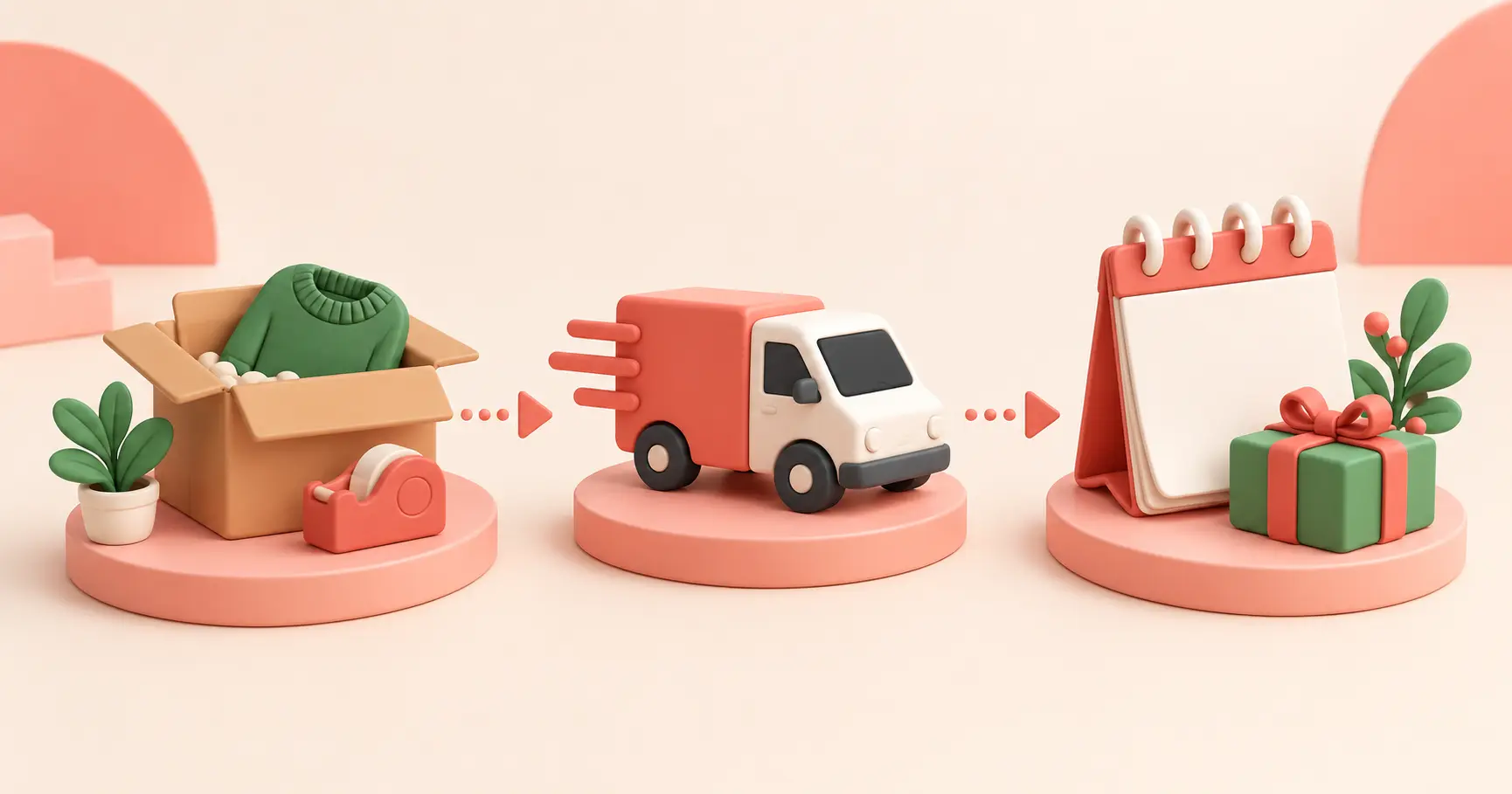
Keep the shop easy to use. A clear collection page, a short announcement and accurate product details can do more than a complete redesign.
Keep the product as the main point of the page. A green background, small seasonal badge or short collection banner may be enough. Animations, flashing effects and repeated pop-ups can make product details harder to read, especially on a phone.
Ask someone unfamiliar with the shop to open the page and find three details: what is being sold, what the offer covers and how delivery works. If they have to hunt for any of them, simplify the page before spending more time on decoration.
For the page-by-page preparation steps, read How to Prepare Your Ecommerce Store for St Patrick’s Day. Use it to check the collection, offer visibility and mobile layout before your promotion begins.
Write the customer-facing details in this order: what the collection contains, who it may suit, what the offer is, when it ends and when orders are expected to arrive. This catches missing information before it is repeated across the site and social posts.
For example: “Shop our green accessories for March celebrations. Use LUCKY10 for 10% off the marked collection until 16 March. Order by 12 March for the delivery option shown at checkout.” Only use these dates or terms if they match the real offer and carrier service.
A short email could use the subject “Green gift ideas for March” and feature three products, the coupon conditions and a link to the collection. A social post could show one product in use and ask which colour customers prefer. The core offer stays consistent, but the content is not a repeated discount image.
Check that the name identifies the item, the first lines explain what it is, and the photos show its colour and scale accurately. Add sizes, materials, care details, what is included and dispatch timing where relevant.
For instance, “Green gift set” leaves questions. “Green cotton scarf and matching gift box” tells shoppers what is included, provided that is what the order contains. Make delivery information easy to find before the customer reaches checkout.
Keep the collection headline and product-page details in agreement. If the banner says “gifts under £25”, check that every visible item stays below that amount and that delivery is not being hidden from the final total. If one product sells for £27, move it to a separate group or change the wording.

A long campaign is not required. If you have about three weeks, use the time to prepare, promote and check delivery rather than posting a discount graphic every day.
If a featured item sells out, remove it from paid promotion and update the collection. Do not leave an unavailable product as the lead image without a stock note. You could feature another item from the same range, but check that the new item suits the offer and has enough stock.
If the courier cut-off passes, change the message at once. The products can remain available, but say that delivery before the event is no longer expected. If local collection is genuinely available, give the collection area, times and order instructions.
If the coupon is not applying, temporarily remove the promotion from the banner and check the code, included products, minimum spend, start date and expiry in the shop settings. Test the corrected code with a qualifying basket before sending another email.
For post ideas and a sample week of promotion, see St Patrick’s Day Social Media Ideas for Ecommerce Businesses. Keep your schedule realistic for the people and time available to your shop.
Write down what should change on 18 March: homepage image, announcement, coupon, collection label, featured products and any scheduled messages. Add the task to a calendar before launch.
A green tote bag may stay in the catalogue. Its product page can return to its usual everyday description once the seasonal promotion ends.
Use the St Patrick’s Day Ecommerce Checklist for a final order, website and clean-up check.
After the campaign, compare your notes with the goal you chose. A small run may show that customers clicked on gift items but did not respond to a discount, or that one product received more visits than the rest. Record the observation, the limits of the test and one change to try next time.
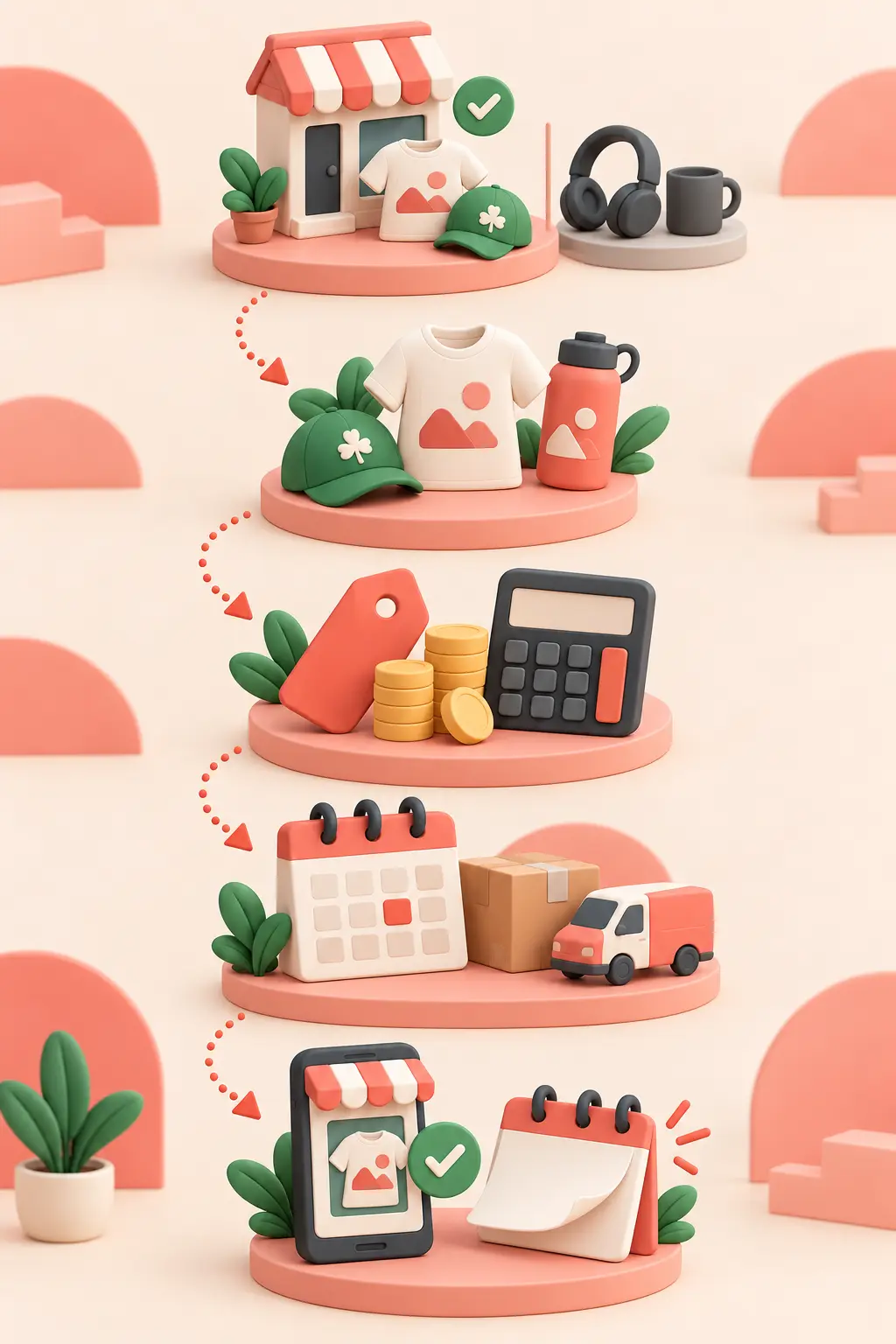
Three to ten is a manageable starting range for a small shop. A tighter selection is easier to explain, photograph and check for stock.
No. A themed collection, useful gift suggestions or a clear product feature can give customers a reason to browse without reducing prices.
Skip the promotion or choose a seasonal idea that genuinely suits your range. Customers do not need every shop to run a St Patrick’s Day sale.
A green design alone does not show where an item was made or designed. Describe its colour or theme, and only make origin claims you can support. GOV.UK’s product labelling guidance says product descriptions and labels must be accurate and not misleading.
Write down the campaign angle, products, offer and last delivery date. If these details are clear, you have a useful brief for updating your shop and preparing customer messages.
See the current ecommerce plans or ask Make Local for Global about the store setup for your business.
PREFERRED SOURCE
Like what you’re reading? Add Make Local for Global as a preferred source on Google to see more of our articles when you search.










Build your online presence without having to figure out everything yourself.