

Prepare your ecommerce store for St Patrick’s Day with a clear homepage message, relevant collection, accurate product and delivery information, and a mobile checkout test.


Customers cannot shop a seasonal offer they cannot find. A few deliberate store updates can make relevant products, prices and delivery details easier to understand before St Patrick’s Day.
This practical guide covers your homepage, announcement bar, collection, product pages, mobile layout and post-campaign tidy-up. You do not need to decorate every corner of the site. The goal is to help a visitor quickly see what is available and decide whether it suits them.
Make Local for Global helps small businesses with ecommerce store setup and clear product pages.
Before changing the design, imagine a customer arriving from a social post. Can they tell which products are featured, what the offer is, how long it runs and how delivery works? If the answer is no, clarify those basics before adding seasonal graphics.
For example, a small gift shop might feature a collection of green accessories and host gifts. A visitor should be able to open the collection, compare prices and read dispatch details without hunting through unrelated categories.
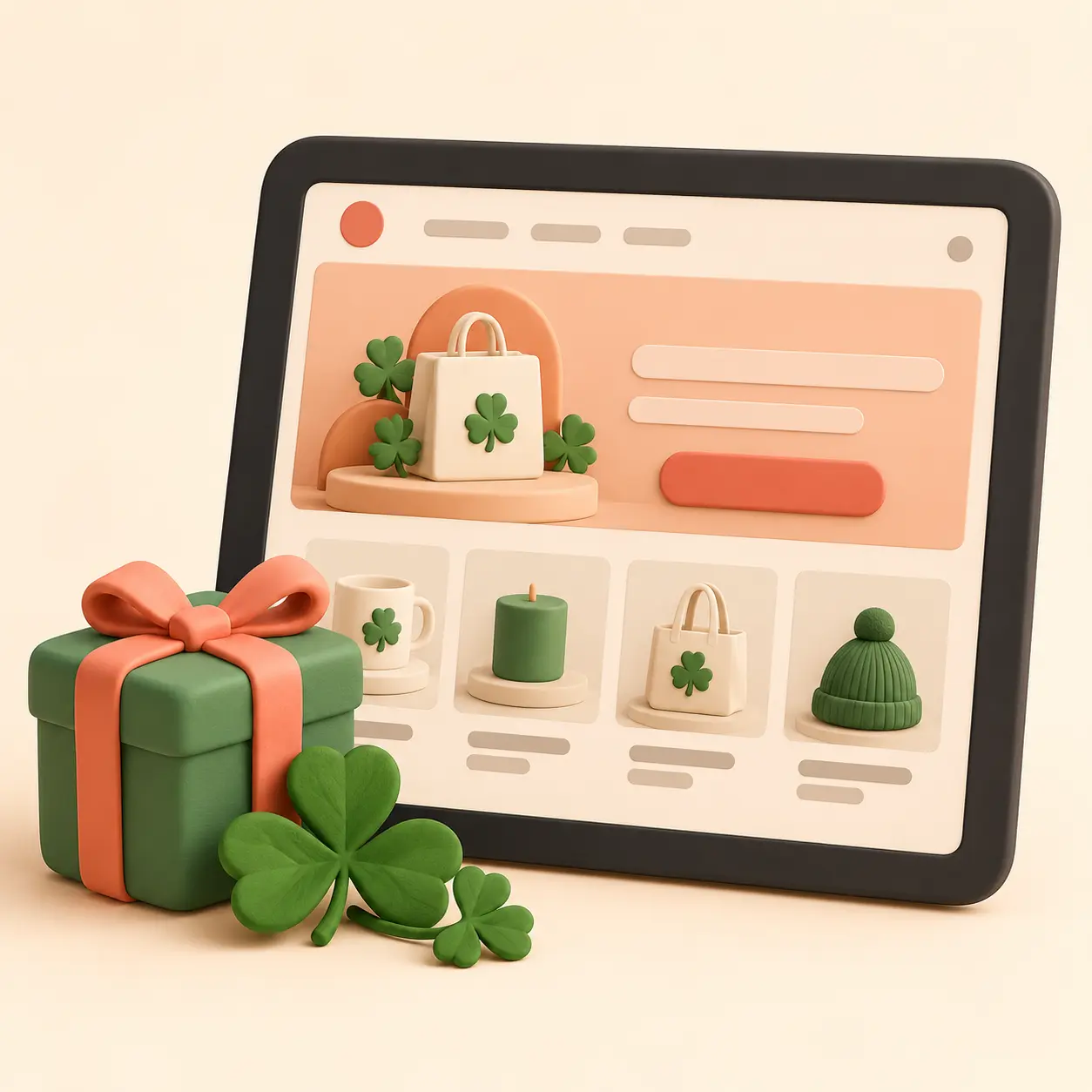
A homepage hero can introduce the campaign and link to its relevant collection. Keep the headline specific. “St Patrick’s Day Picks” tells visitors more than “Celebrate in style” on its own. Add the key offer only if the terms are accurate and easy to read.
An announcement bar can repeat one short detail, such as “Shop our St Patrick’s Day collection” or “10% off selected green gifts with code LUCKY10”. Include an end date if the offer has one. If delivery timing matters, link to the delivery policy or state the cut-off near the offer.
Do not cover the page with animations, pop-ups, flashing graphics or a string of competing banners. They can distract from product information and make the shop harder to use. One hero, one collection and one clear offer is often enough for a small campaign.
Choose a manageable number of products that relate to the event or a shopper’s plans. Give the collection a plain name, add a short introduction and use consistent product images. Check that every product is in stock and that variations, sizes and prices are current.
A homewares shop might include a green table runner, matching napkins and a set of reusable cups. If the products are sold separately, say so. If you create a bundle, list what it contains and explain any saving using genuine prices.
Product badges such as “Seasonal pick” can help draw attention, but avoid “bestseller” or “customer favourite” unless sales data supports the claim. A badge should describe the product accurately, not imply popularity you cannot verify.

Open featured pages on a phone, not only on a desktop. Check that the title, price, product options, images, add-to-basket button and delivery information are visible and usable. A banner that looks tidy on a laptop may push the product too far down on a small screen.
Test the path from a campaign link to checkout. If an Instagram post promotes a specific gift set, link to that set or the seasonal collection rather than sending everyone to the homepage. Confirm that the URL loads, the offer code works and the final delivery cost appears before payment.
When asking for help, bring the practical details together. This makes the request clearer than “Can you make my site St Patrick’s Day?” Make a short brief containing:
For example: “Feature the green accessories collection from 10 to 17 March. Use code LUCKY10 for 10% off those marked products. Link the homepage button to the collection. Orders placed after 13 March may not arrive before the event, so do not promise St Patrick’s Day delivery after that date.” Adjust every detail to your actual offer and fulfilment capacity.
A seasonal promotion can increase attention to an item, so check available stock and supplier lead times before featuring it. If an item is made to order, state the production time. If delivery before 17 March is uncertain, avoid language that guarantees arrival for the event.
Review the delivery policy, destination coverage and cut-off dates. Check if bulky bundles or remote postcodes use different rates. The checkout should not surprise shoppers with a charge or restriction that was hidden in campaign wording.
Put the clean-up in your calendar. When the campaign is over, remove or update the hero, announcement bar, discount badge, expired coupon, seasonal adverts and product copy that gives an outdated impression. Keep useful products available if they still fit your store, but move them into a suitable year-round collection.
No. Focus on the relevant collection, one clear message and accurate product and delivery information. Keep the rest of the site easy to navigate.
No. Use a badge only on products genuinely included in the campaign. Make the selection obvious without suggesting that unrelated items qualify.
Choose the products, write the offer, check the mobile journey and confirm delivery details before promoting the campaign. For the bigger plan, read how to plan your St Patrick’s Day ecommerce campaign. For offer calculations, see St Patrick’s Day promotion ideas.
Compare current plans or talk with Make Local for Global about your setup.
PREFERRED SOURCE
Like what you’re reading? Add Make Local for Global as a preferred source on Google to see more of our articles when you search.









Build your online presence without having to figure out everything yourself.